

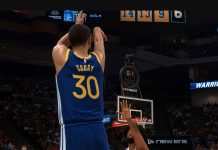
Learning how to turn off the shot meter in NBA 2K27 is essential for players looking to boost their shooting percentage and master green-release timing. This quick guide breaks down the exact steps to disable or customize your shot meter HUD settings so you can instantly upgrade your jumper.
Why to Turn Off the Shot Meter?
- Turning off the shot meter provides a 10% boost to two-pointer and three-pointer shot accuracy
- Users have to be more mindful of visual cues and the hand position of the player to release the ball at the optimum release point
- Another perk of turning off the shot meter is less visual clutter when shooting, which may improve your focus when shooting and seeing visual cues more clearly
How to Turn Off Shot Meter
- Go the MyCAREER Menu
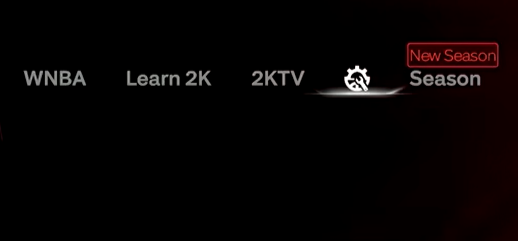
- Click on Options (all the way to the right)
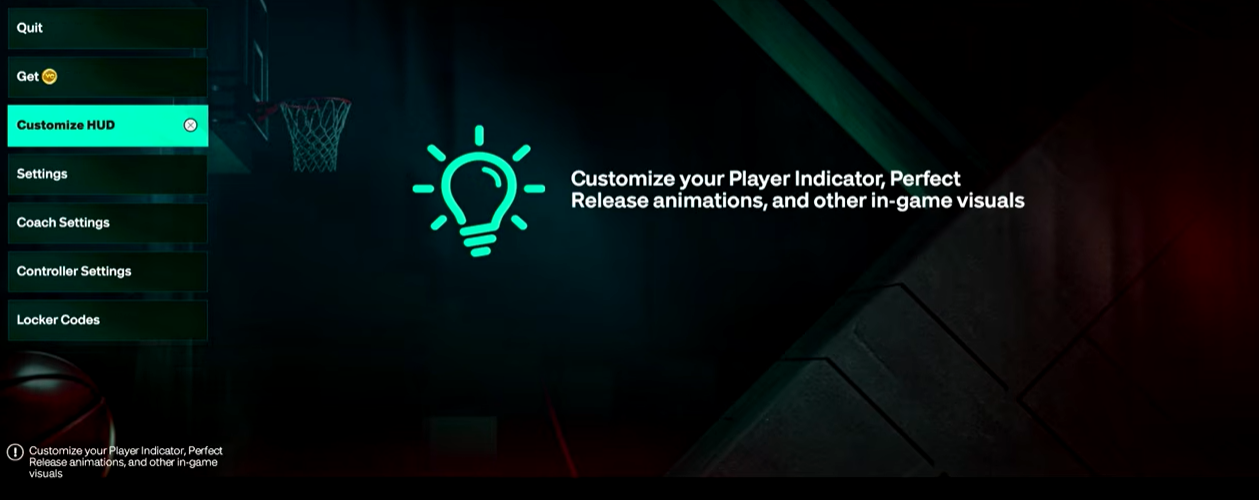
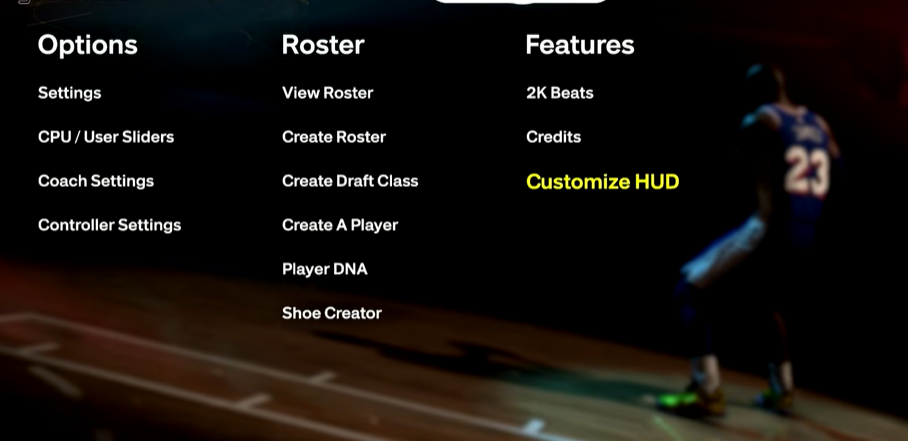
- Click on Customize HUD
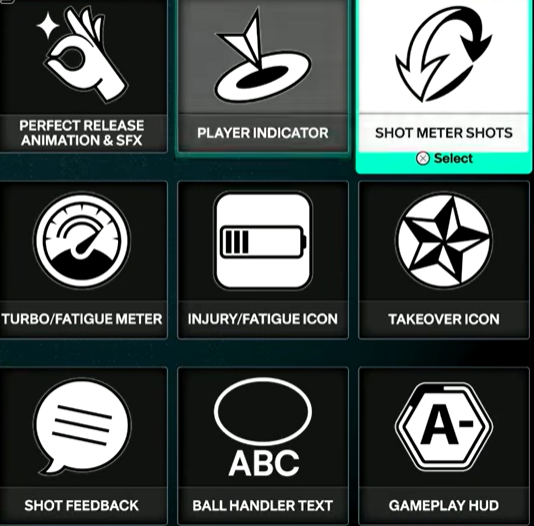
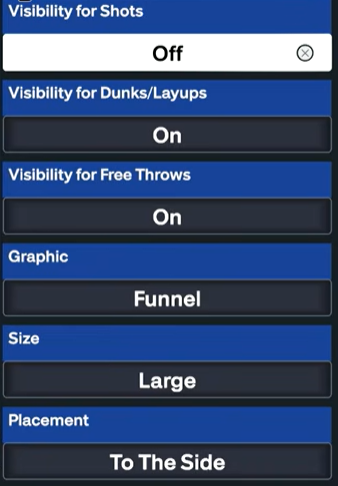
- Click on Shot Meter Shots
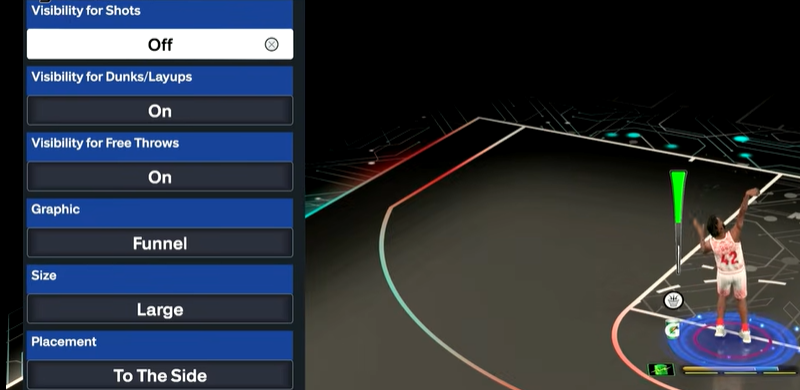
- Go to Visibility for Shots and Select ‘Off’
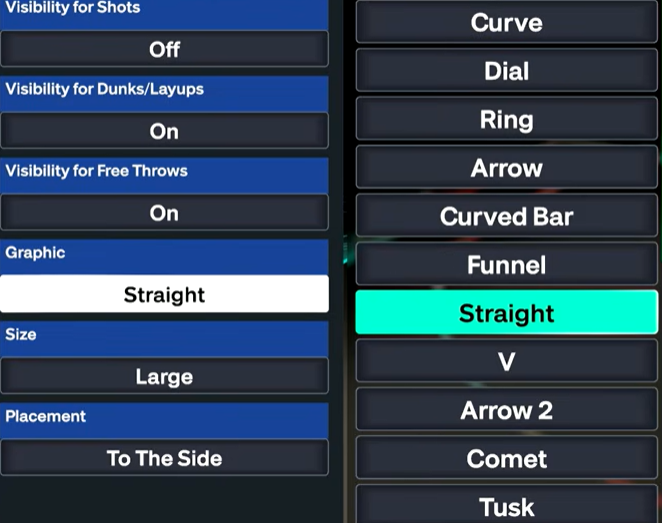
- You can also change Shot Meter for Dunks/Layups, Free Throws and change the look, size, and position of the Shot Meter under Graphic, Size, and Placement
- Another way to access and edit Shot Meter in the HUD is by going to the Main Menu in NBA 2K27 > Click on the gear icon > Customize HUD