




NBA 2KHQ App Details
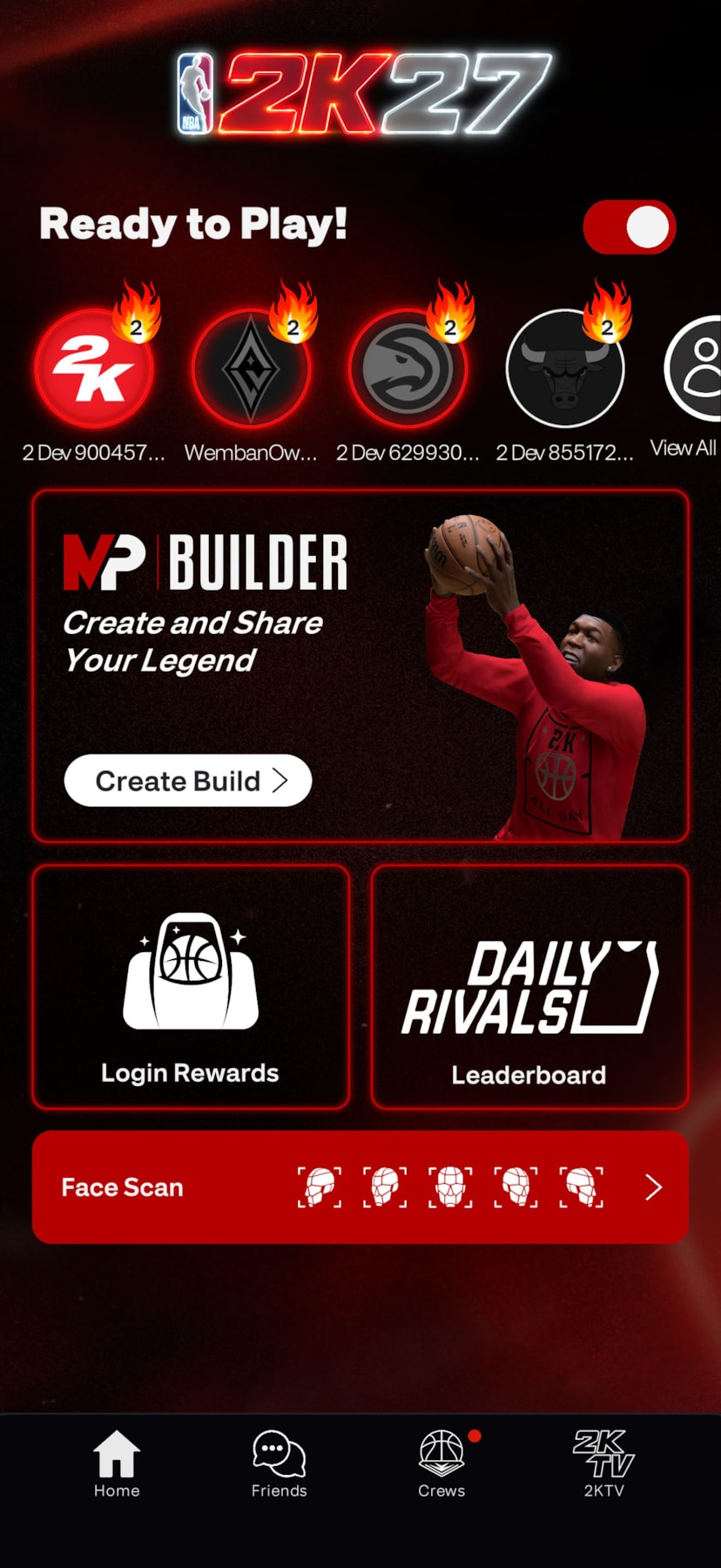
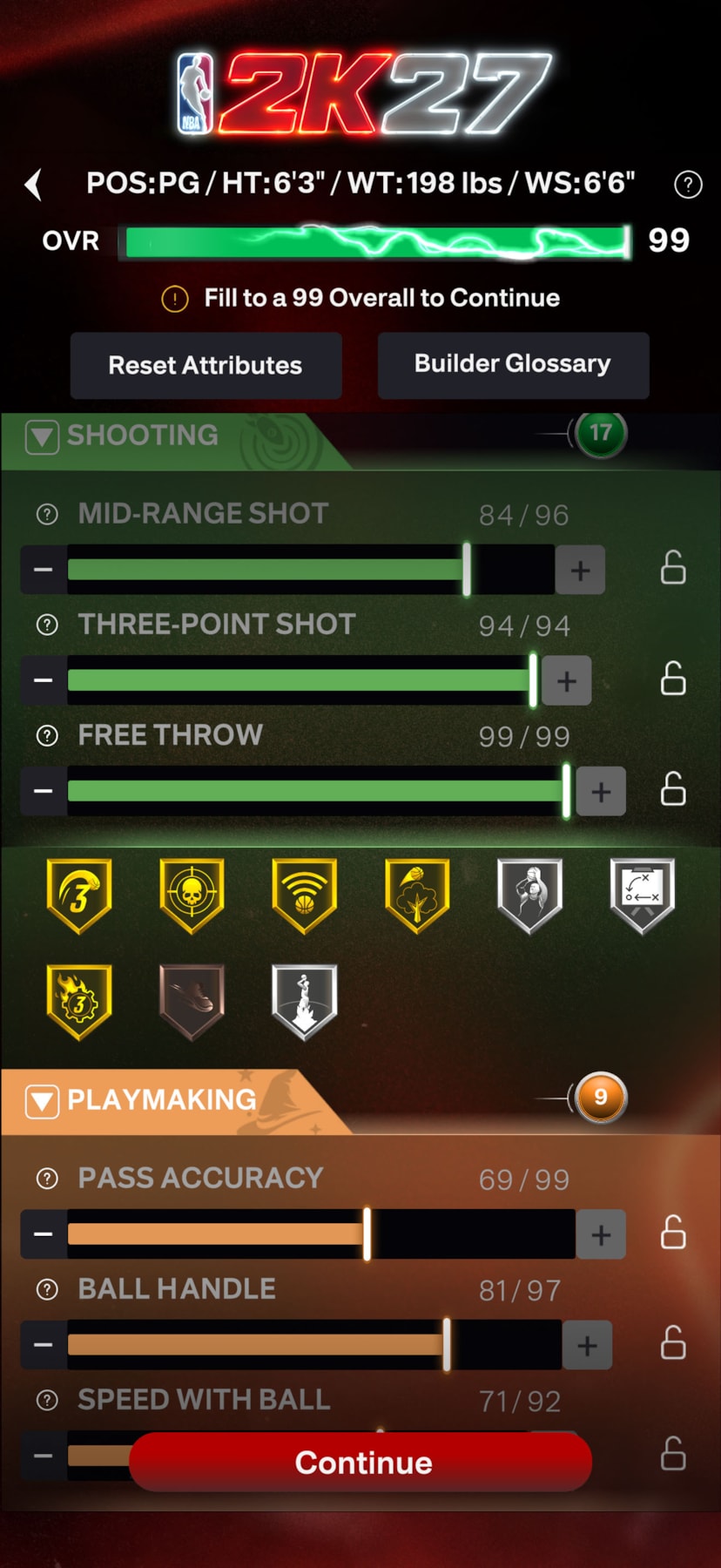
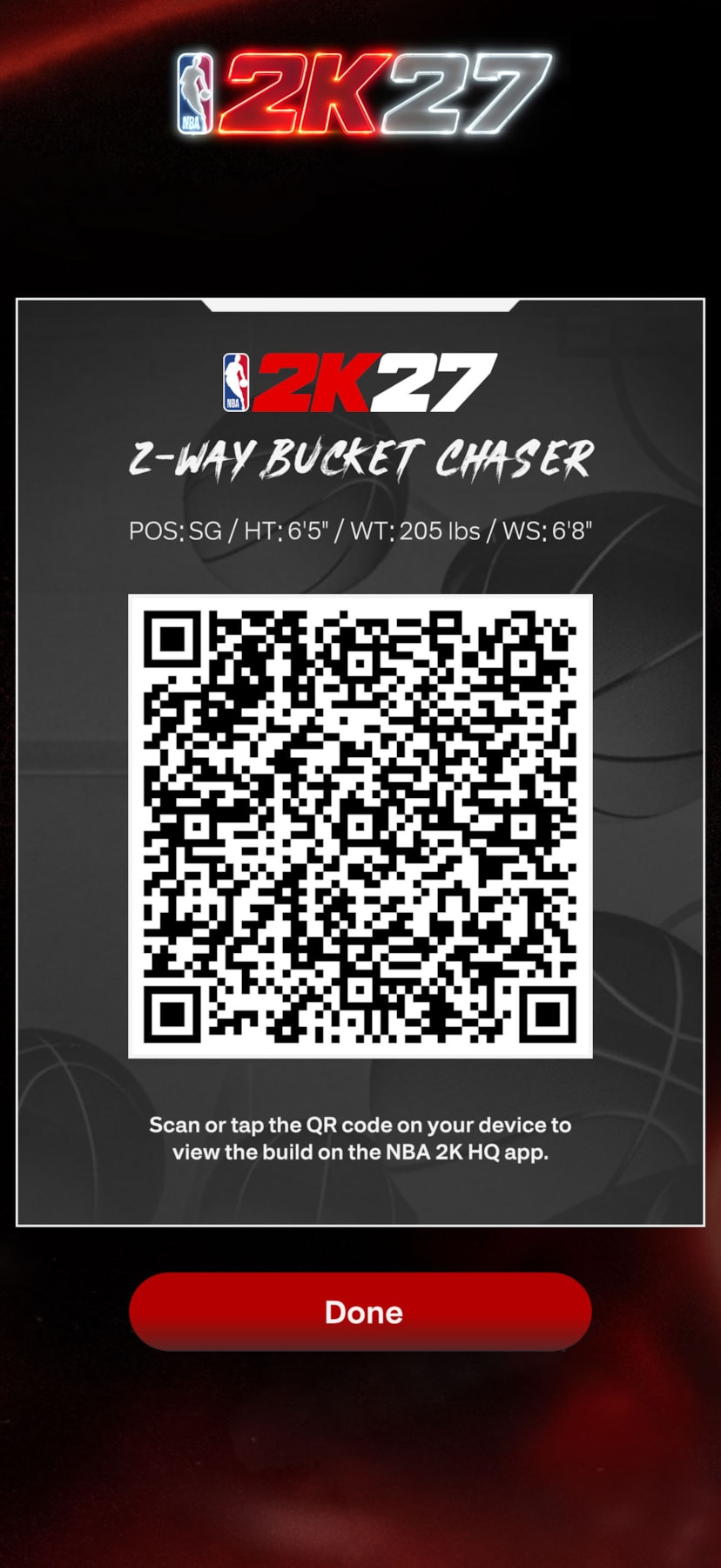
- CREATE BUILDS ANYWHERE: Shape your game wherever you go. Access the full NBA 2K27 MyPLAYER Builder directly in-app and upload the builds you create on NBA 2K HQ right onto your home console setup. Then, share them from anywhere via QR codes.
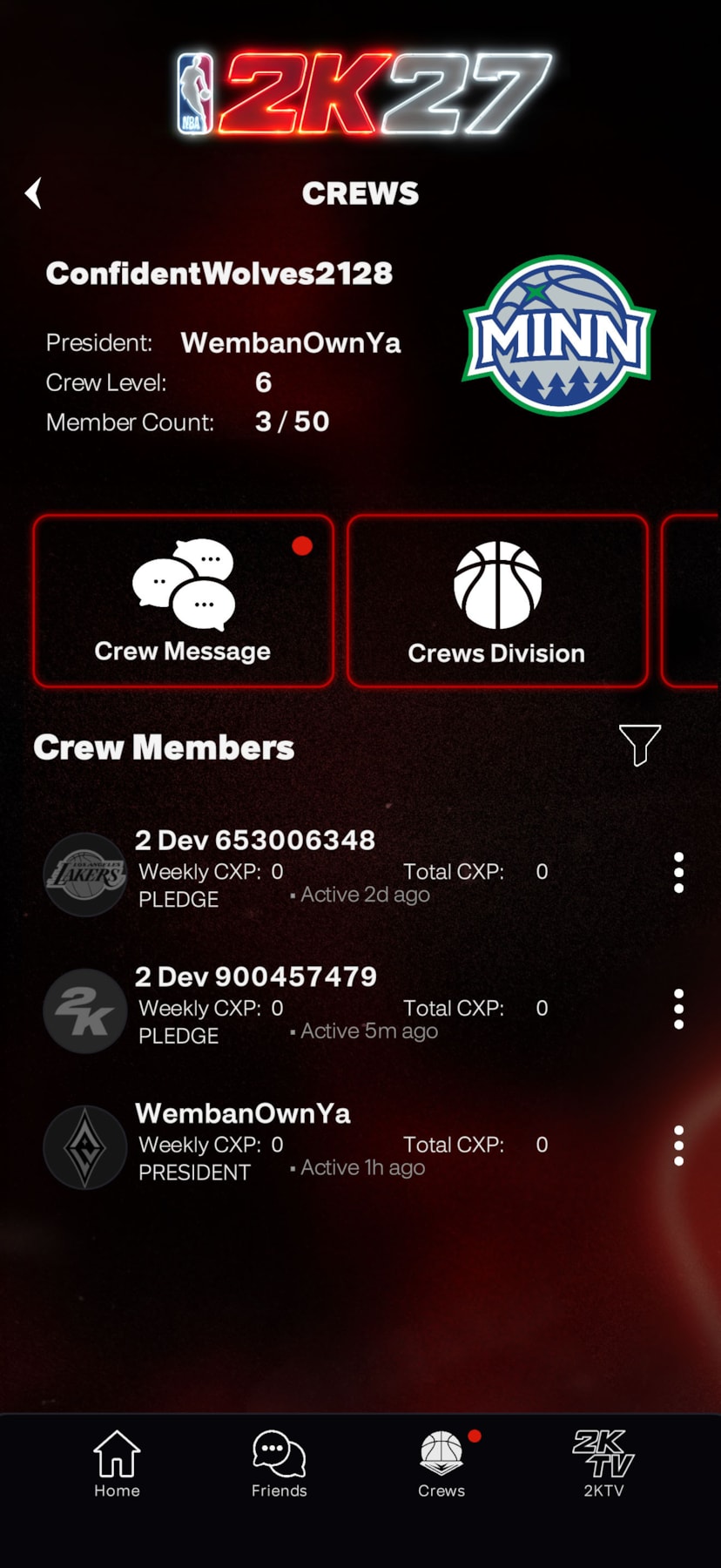
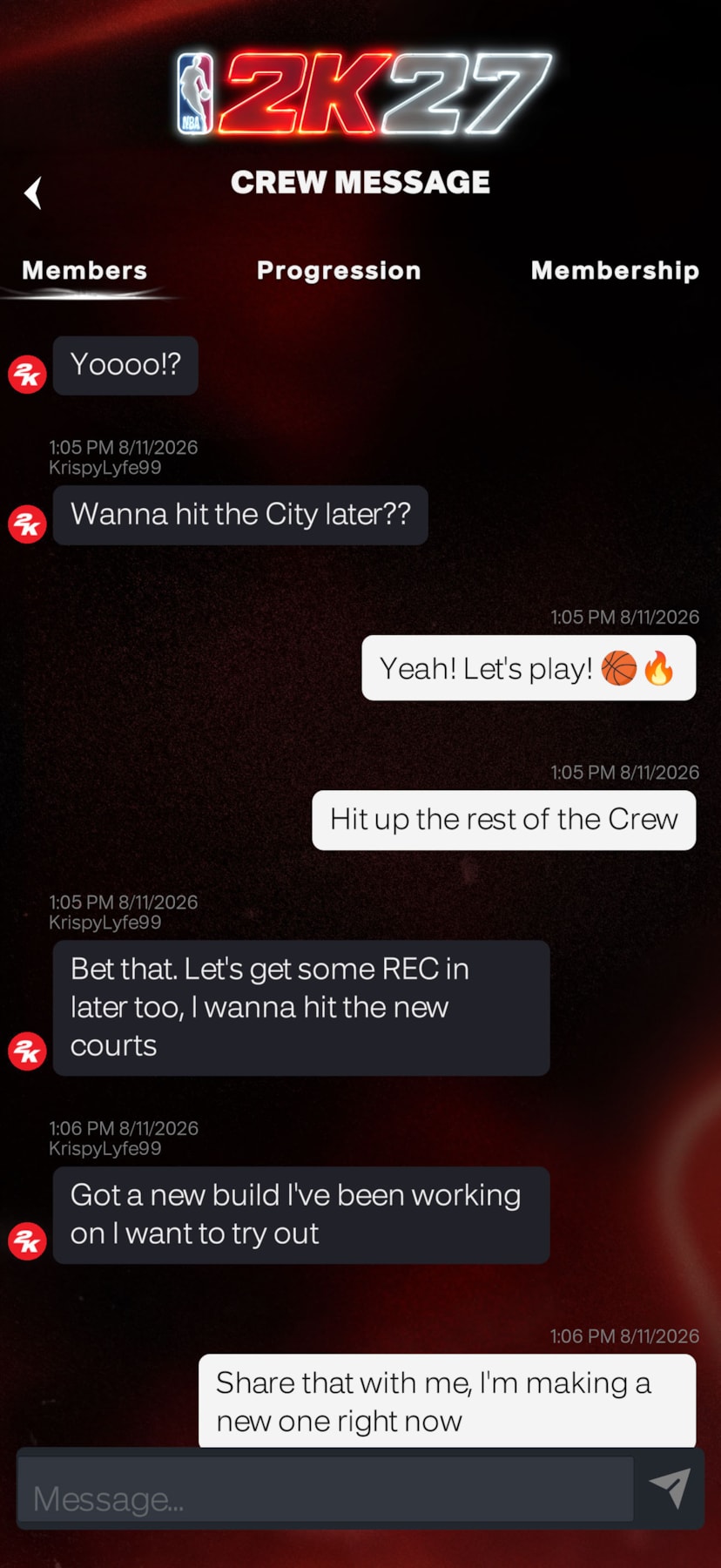
- CONNECT WITH YOUR CREW: Tap into your squad 24/7 with Crew management and NBA 2K social features. With both real-time messaging and roster management, NBA 2K HQ puts the NBA 2K social experience in the palm of your hand.
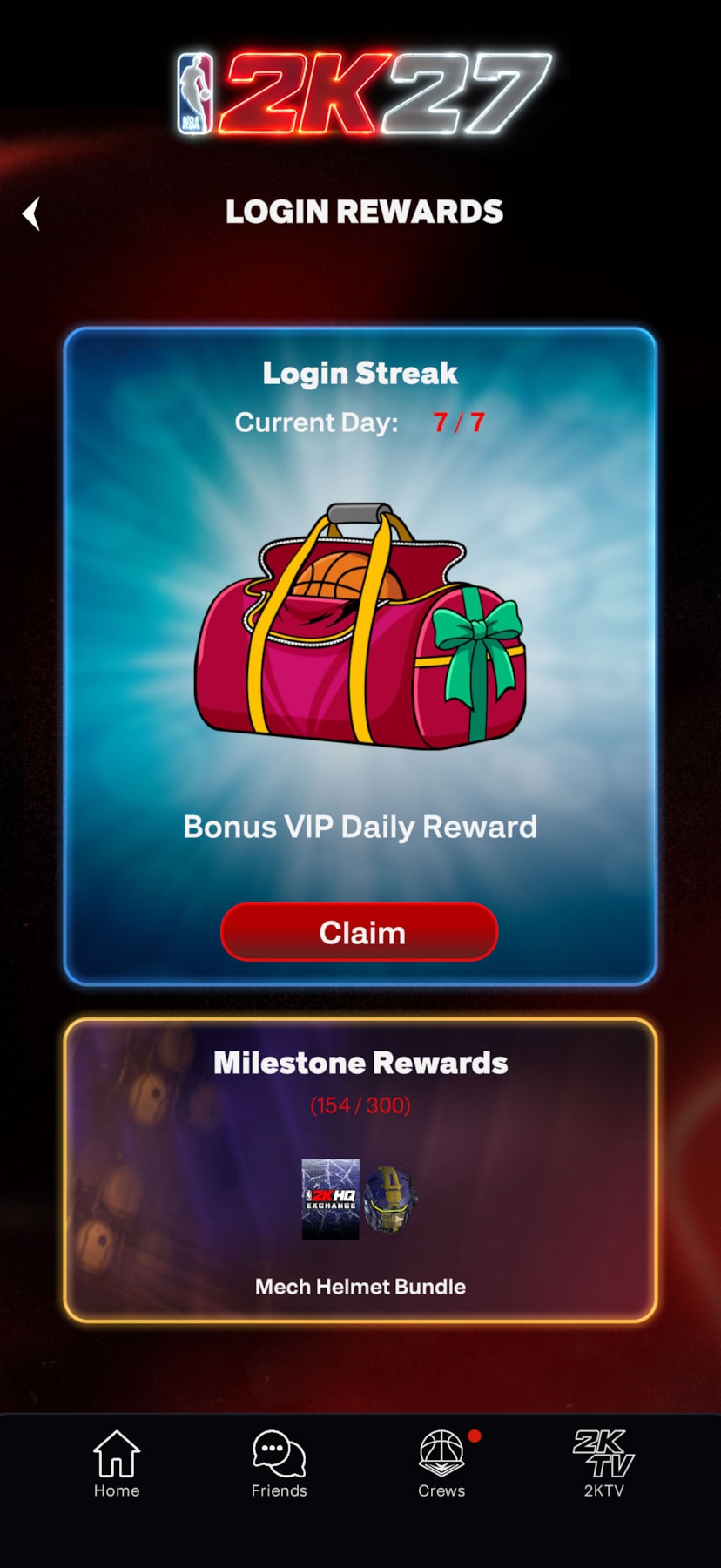
- WIN BIG: Start your day with a fresh drop! Stack wins every day with mobile-exclusive daily login rewards on NBA 2K HQ.
- TRACK YOUR STATS: Stay in the moment by viewing your progress and rank in real-time. NBA 2K HQ features continuous tracking for Daily Leaderboards and Crew Rewards, so you can focus on your climb to the top.
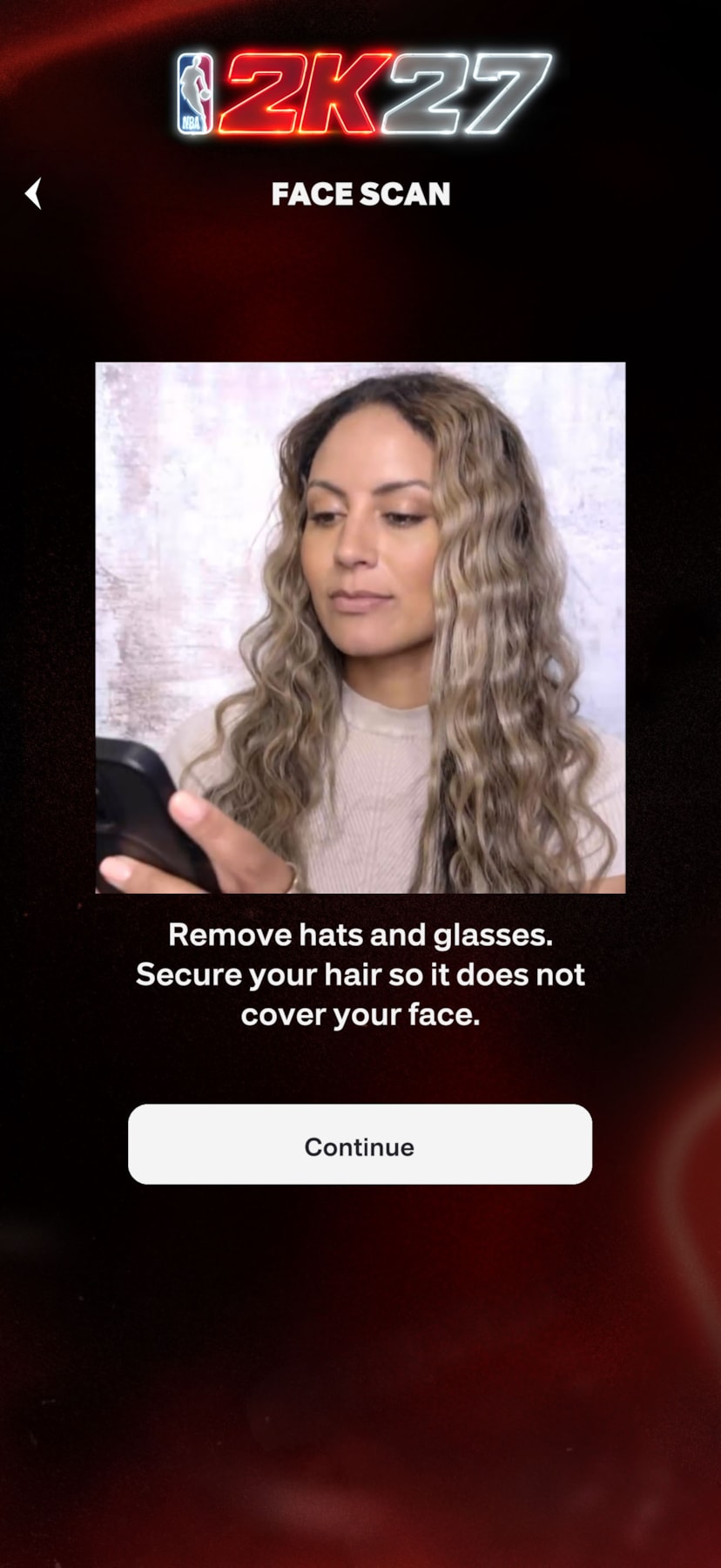
- SCAN YOUR GAME FACE: The new-and-improved Face Scan features a quicker, more accurate scanning process with high-fidelity texture quality—all designed to place you right into your very own basketball fantasy. Your game. Your look.
How to Find & Download the NBA 2KHQ App
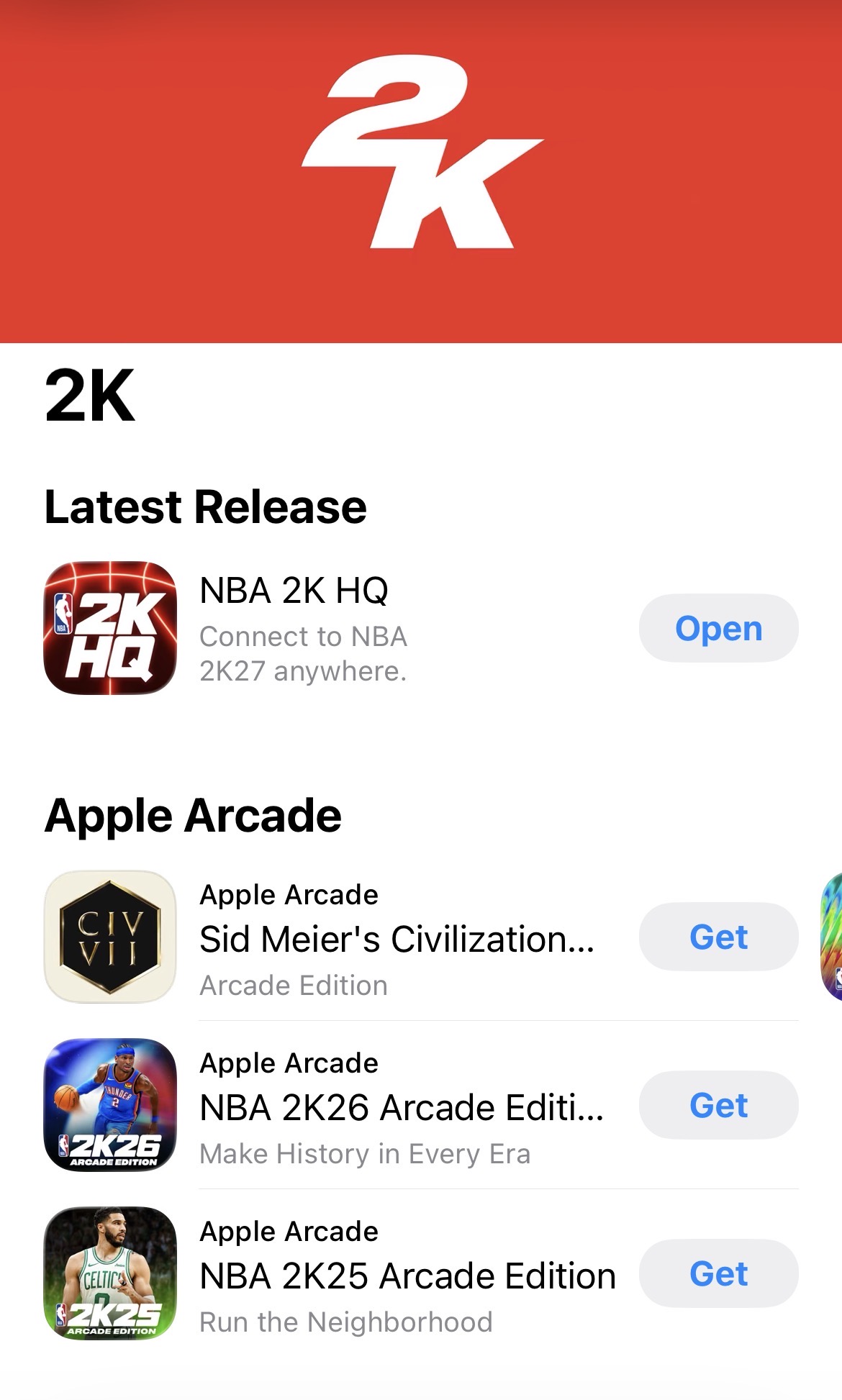
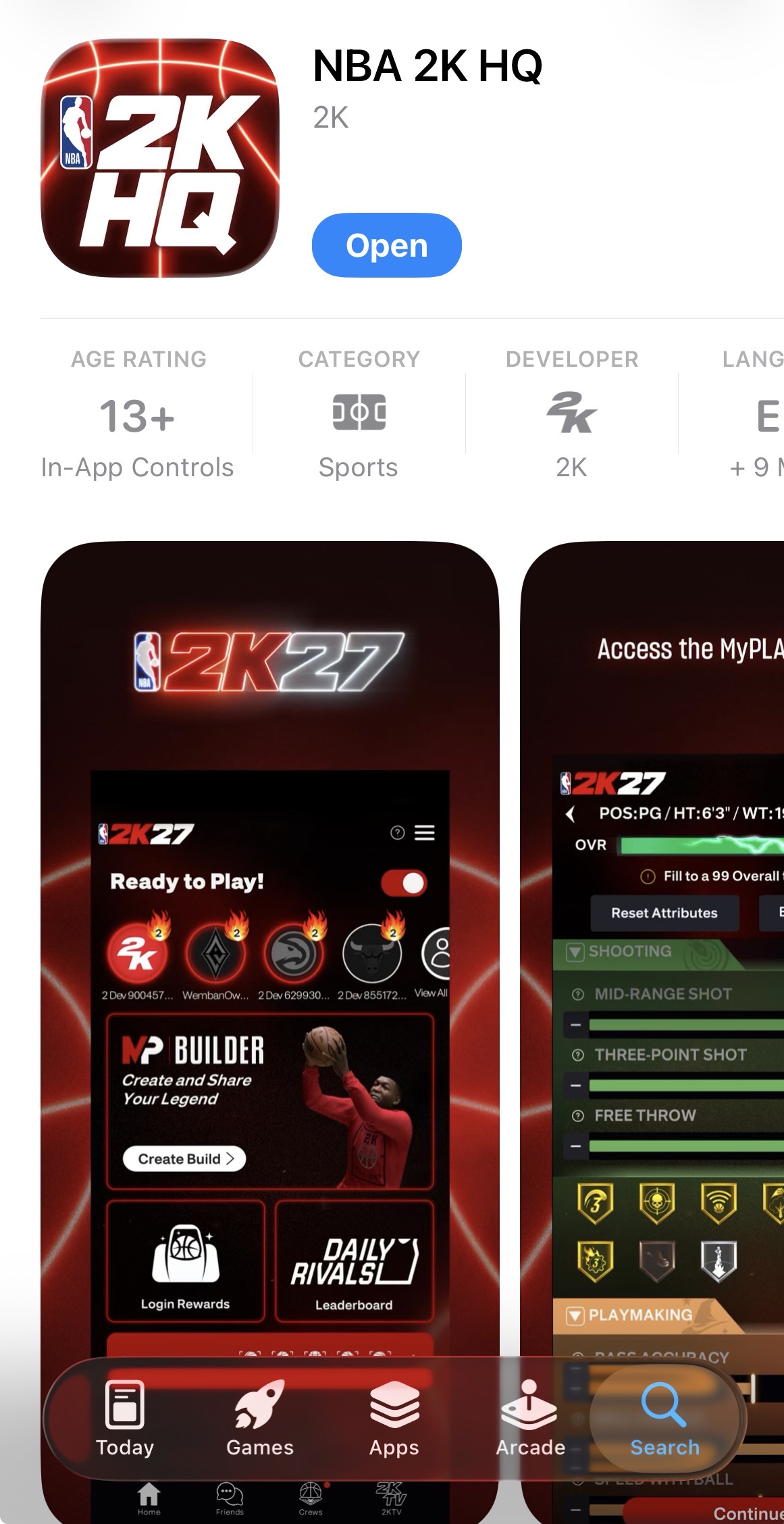
You can download the app in the app stores for the Apple iPhone and Google Android by August 21, 2026
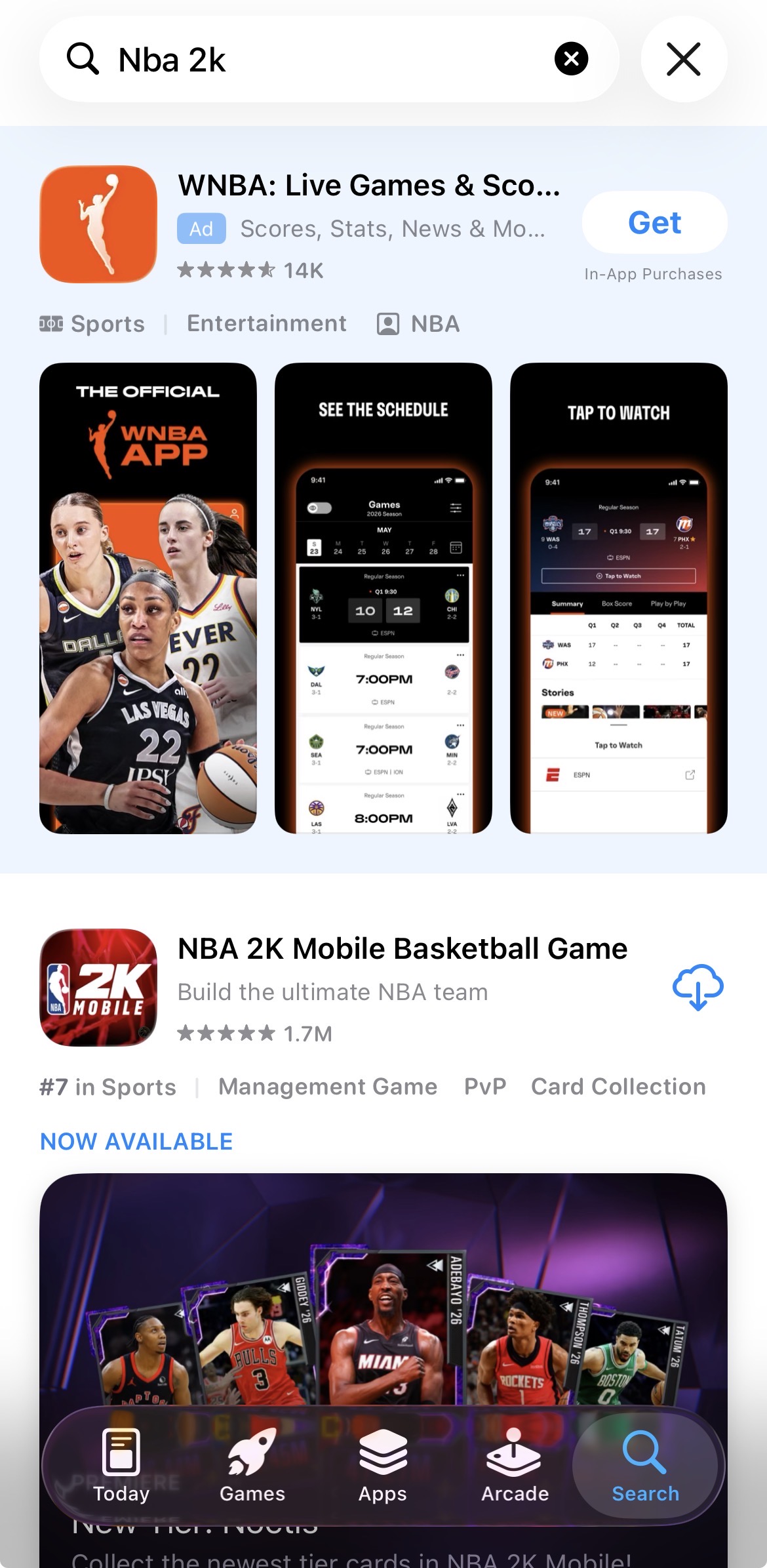
If you’re not seeing the 2K HQ app in the Apple app store via search yet, try this method:
- Search for “2KHQ” and click enter. If you don’t see it, search for “NBA 2K”
- This should bring you to an 2K app like “NBA 2K Mobile Basketball Game”
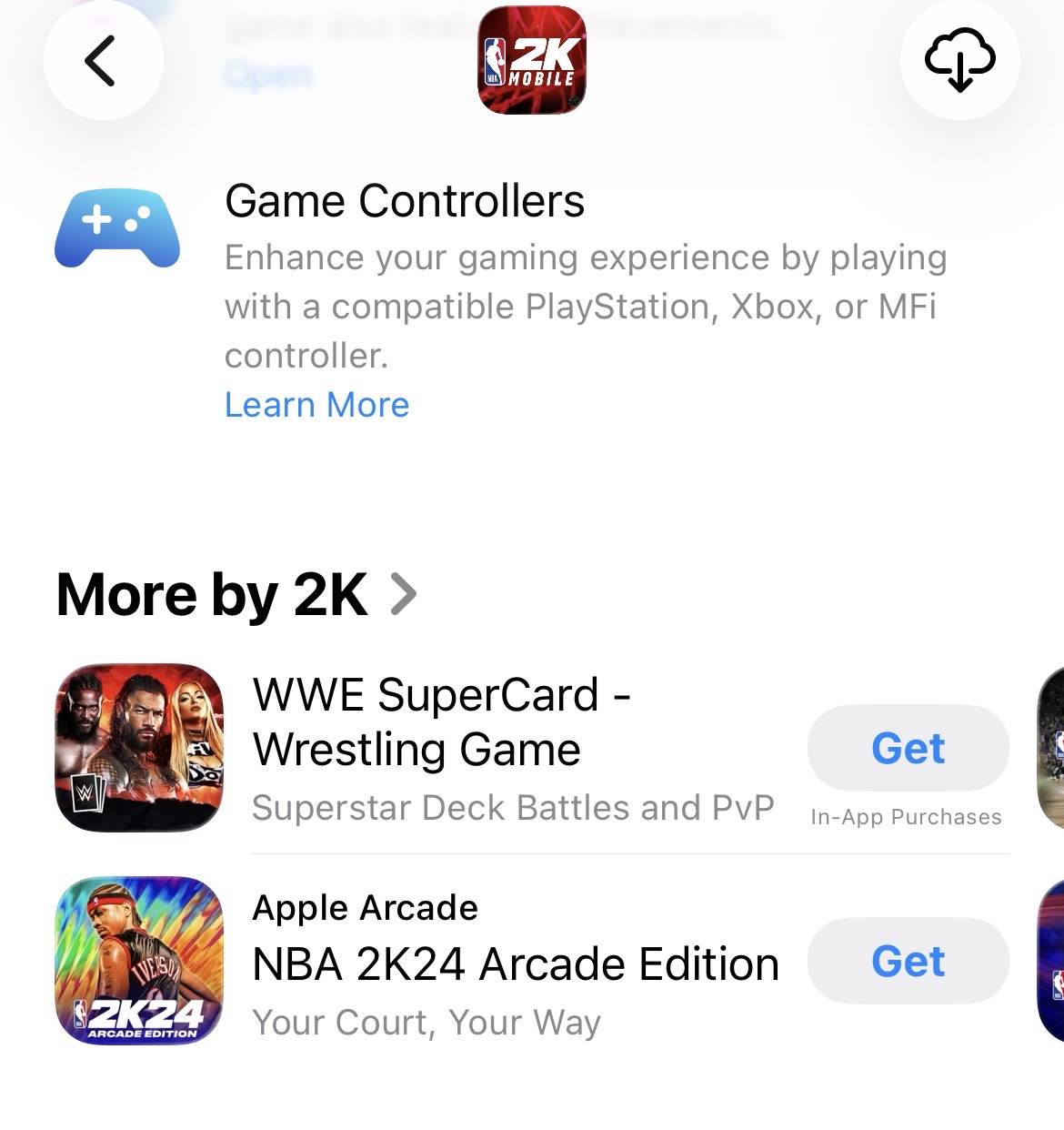
- Click on that and scroll down to “More by 2K” and click on that
- There, you should see the “2KHQ” app
- Click on the “2KHQ” app and download
After logging in, you may see a message that says “No 2K account found. Would you like to create an account?” Select Yes to proceed. Once NBA 2K27 has released, new NBA 2K HQ app users who have played NBA 2K27 will have their accounts linked automatically.
The NBA 2K HQ App Companion App brings the MyPLAYER Builder experience to you and let’s you share your builds, message teammates, and more. Available August 21pic.twitter.com/YMFe58IgW6
— NBA2KW.com (@TheNBA2KW) August 18, 2026
Updates
- [Aug 22] If you are on iOS and did not already reinstall the app, you can now visit the App Store and update to the latest version (v1.0.7) to resolve this issue.
- [Aug 21, 9 PM PT]
We have released a hotfix update to ensure NBA 2K HQ displays the correct Animation Requirements in the Builder Glossary. On iOS, please delete and reinstall the app. On Android, please visit the Google Play store and update to the latest version (v1.0.7).
FAQs
Q: What type of app is NBA 2K HQ?
A: Lock in around the clock with the new NBA 2K companion app: NBA 2K HQ! Access the full NBA 2K27 MyPLAYER Builder directly in-app and upload custom builds straight to your home console. Manage your Crew roster and chat with your squad 24/7. Claim mobile-exclusive daily rewards and track your rank on real-time leaderboards. Plus, put yourself directly in the game with the faster, high-fidelity Face Scan.
Q: What platforms am I able to download NBA 2K HQ on?
A: NBA 2K HQ is available for download on iOS and Android mobile devices.
Q: What are the device and OS compatibility requirements?
A: Requires a persistent internet connection and an Apple device compatible with iOS 18 or later, or Android 11.0 or above (Minimum API level 30); please visit the Google Play Store or the App Store page on your device for the most accurate compatibility check.
Q: What are the new parental approval permissions?
A: NBA 2K HQ will be implementing the same parental approval for child accounts as NBA 2K27.
Q: I have already set up parent/guardian controls on my console/PC account. Do I need to set them here?
A: If you are connecting an account that has already gone through the parental permissions on console/PC, then you do not need to do this again.
Q: How many builds can I create in the NBA 2K HQ app?
A: With full access to the MyPLAYER Builder, you can create up to 15 builds in the NBA 2K HQ app. Once you create your build, you don’t have to click anything within the app to upload it to your console. This extra step comes on the console side, where you can import builds to your account.
Q: What happened to the old companion app, MyNBA 2K?
A: MyNBA 2K companion app is being sunset from Friday, August 21, 2026—when we launch our brand new app, NBA 2K HQ. MyNBA 2K companion app is being delisted from app stores on Tuesday, August 18, 2026.
*Early access begins at 9:00 AM PT, August 26. Availability may vary by region and time zone.
There you have it! Hope these NBA 2K27 tips helped and happy gaming!