

In NBA 2K26, body types give your MyPLAYER a unique shape that can potentially affect movement and speed. With a variety of shapes to choose from, this guide walks you through exactly how to unlock and change body types in NBA 2K26.
How to Unlock Different Body Types
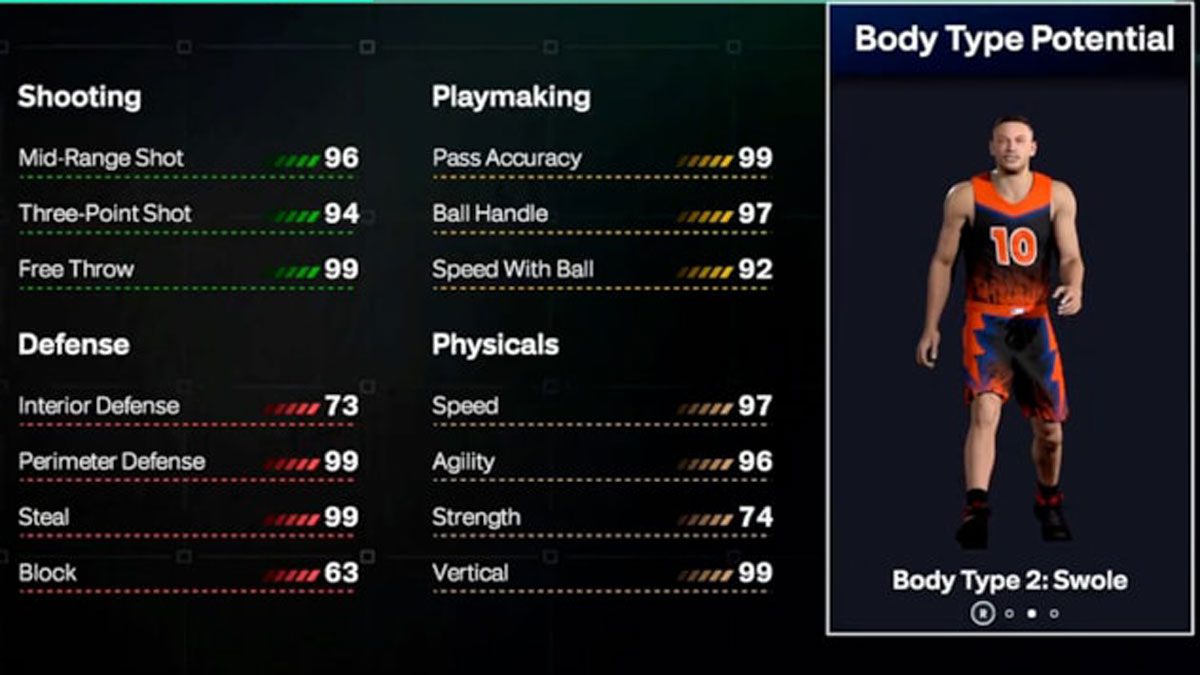
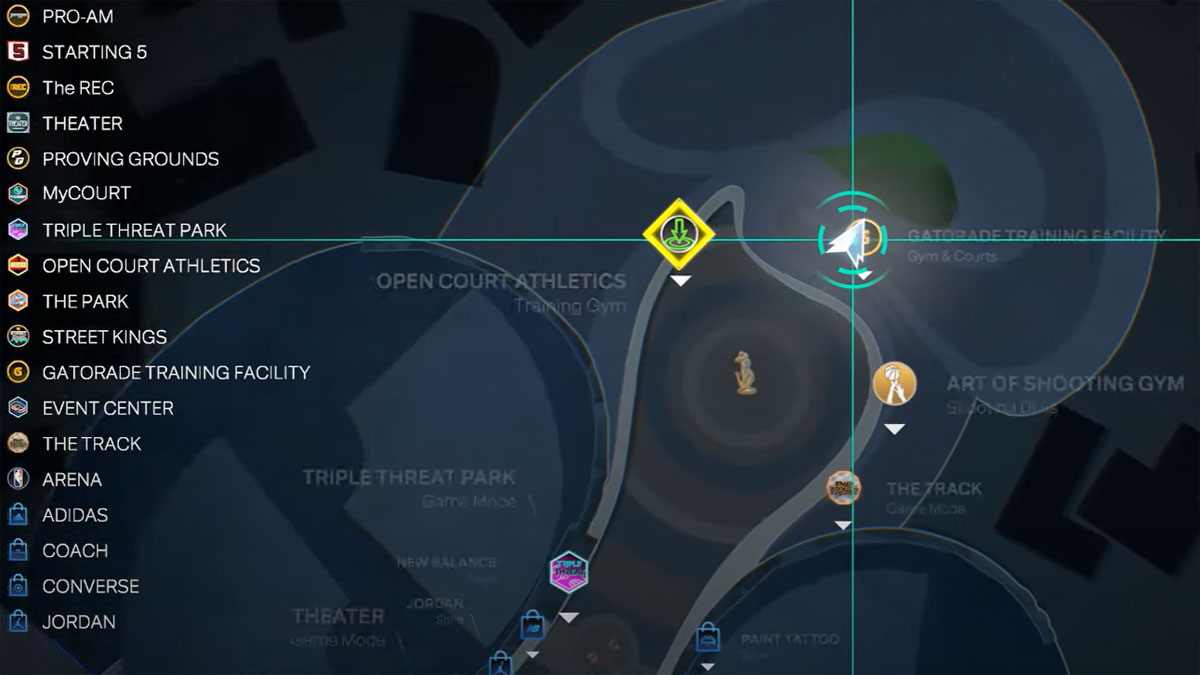
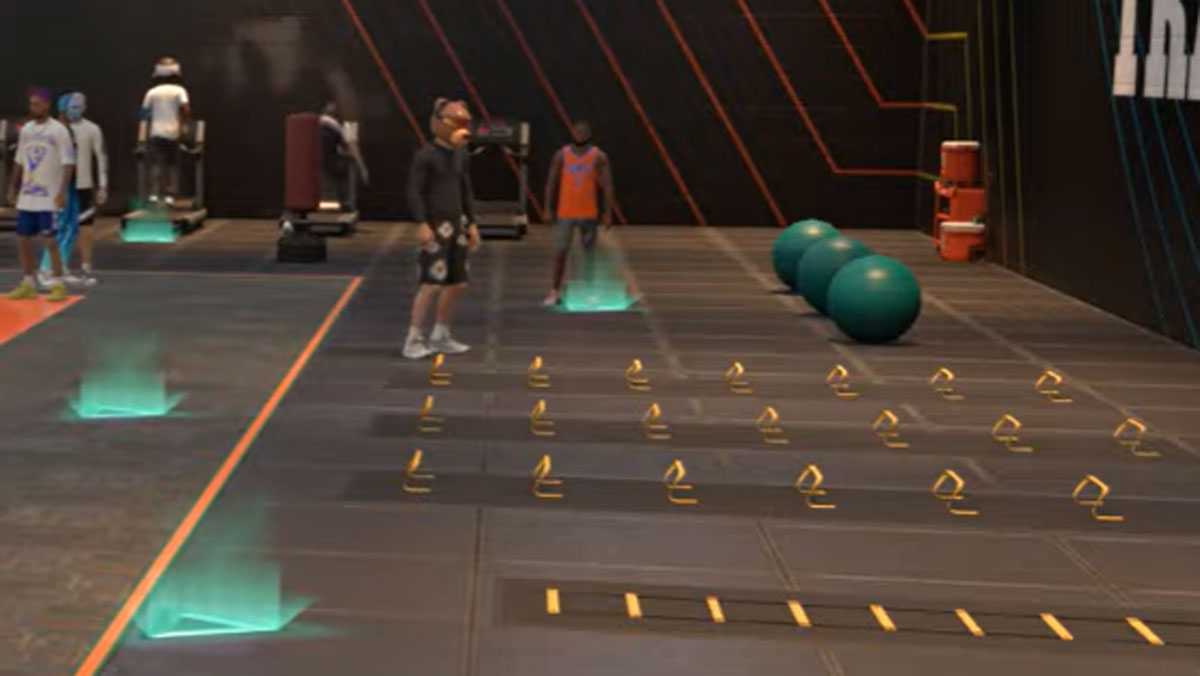
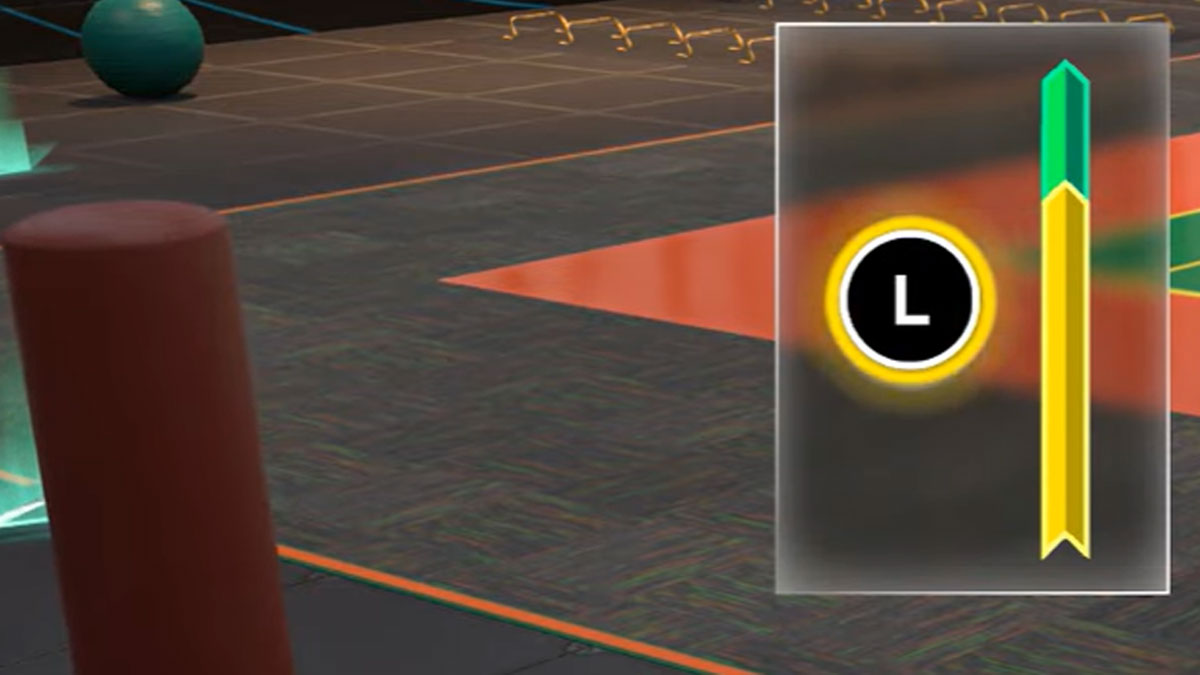
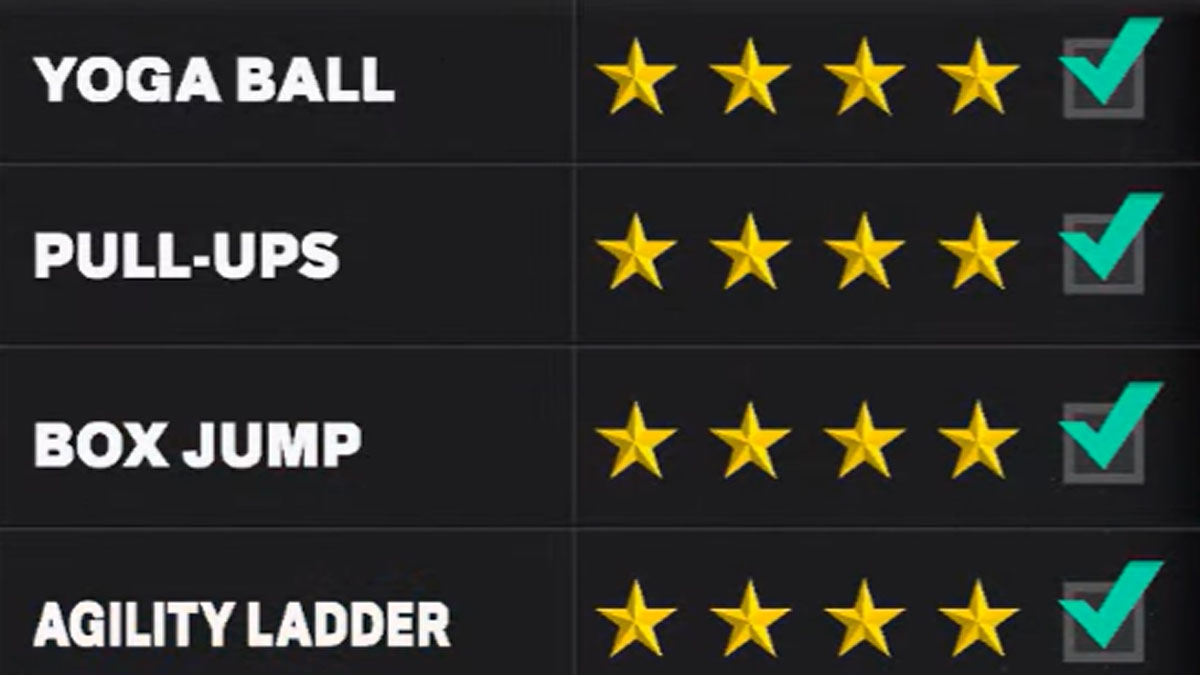
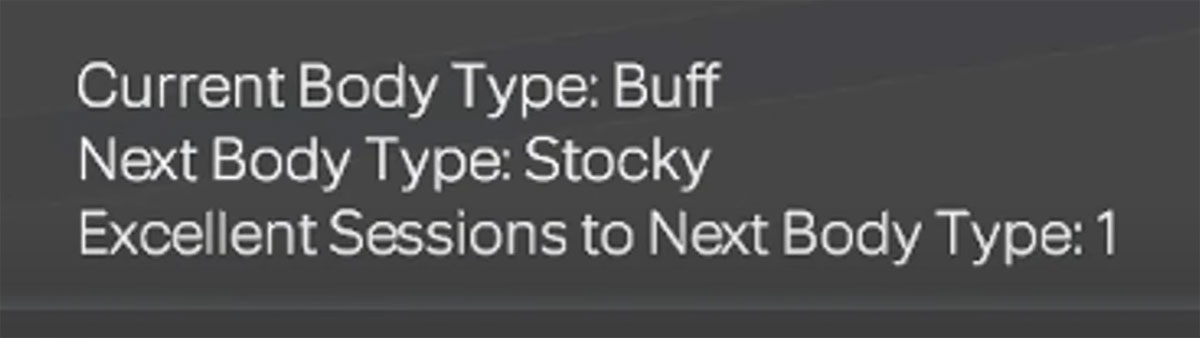
- Create your MyPLAYER and check your ‘Body Type Potential’ for available body types
- Then, go to Gatorade Gym in the northeast end of the City Map
- Complete an ‘Excellent’ workout session of 3 or more stars on all 4 workouts in 1 week. This unlocks one body type per excellent session. Unlocks vary by height.
How to Equip Body Types
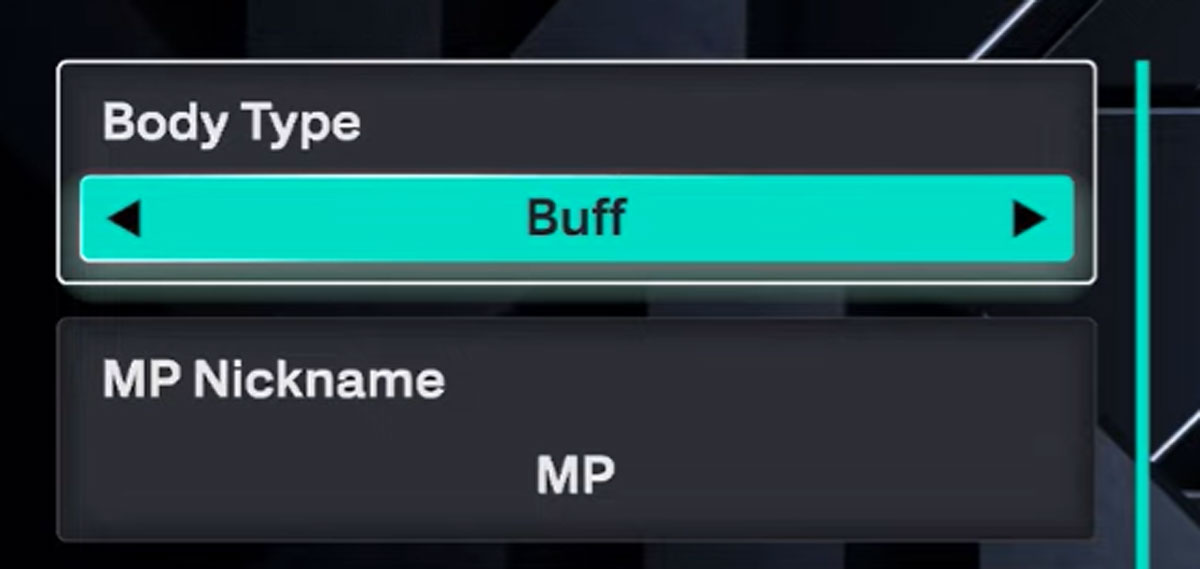
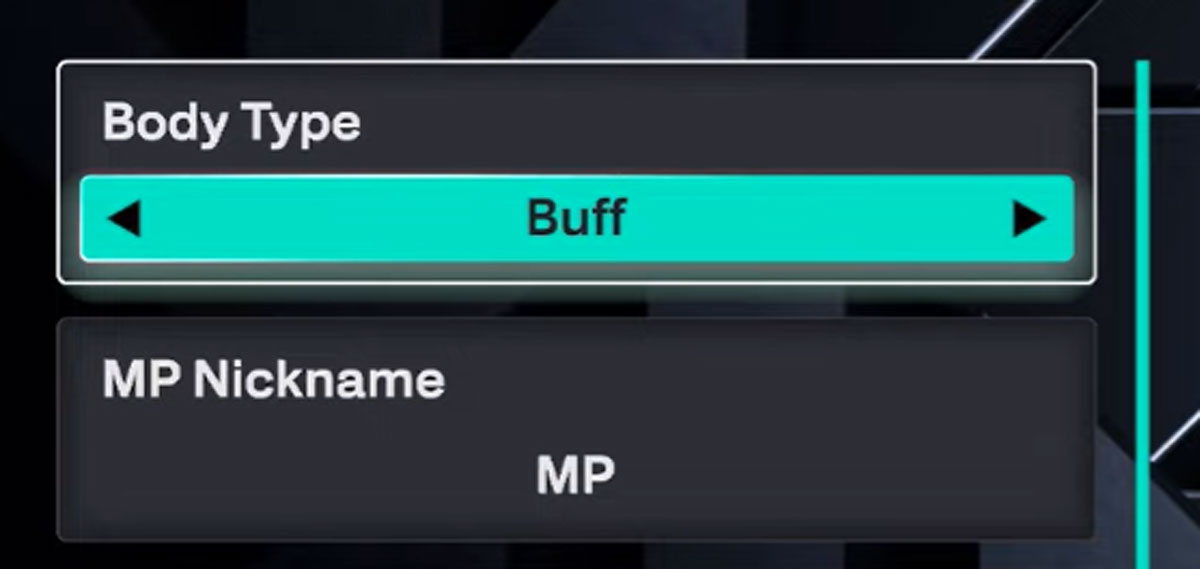
- Go to MyCAREER menu > MyPLAYER > Appearance > Vitals
- Toggle through the Body Type options to select the one you want to equip for your MyPLAYER
List of Body Types in NBA 2K26
- Athletic
- Average
- Buff
- Built
- Burly
- Chiseled
- Compact
- Defined
- Flexible
- Jacked
- Large
- Lanky
- Lightweight
- Muscular
- Normal
- Regular
- Ripped
- Slender
- Slight
- Slim
- Solid
- Standard
- Stocky
- Strong
- Swole
- Thin