





In NBA 2K26, MyCOURT serves as your dedicated space to refine your skills and practice various game mechanics using your MyPLAYER. You can also invite friends to your MyCOURT for 1v1 matches, scrimmages, and more. This step-by-step guide shows how to quickly connect with friends, making it easy to play together and improve your gameplay.
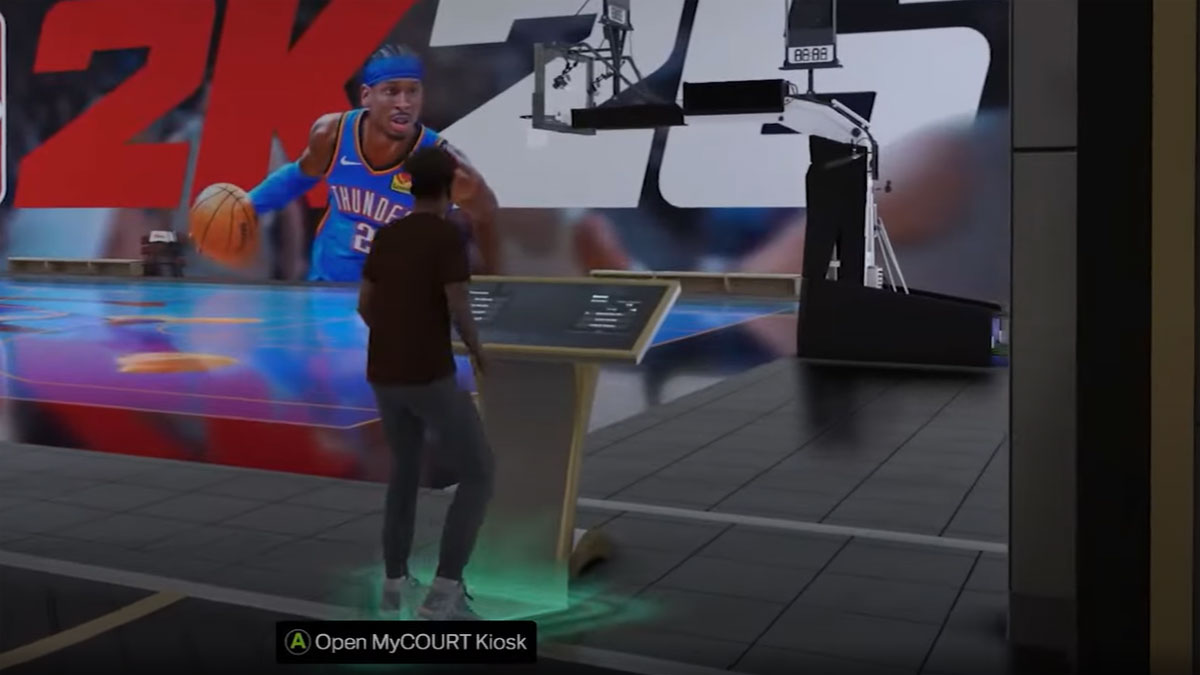
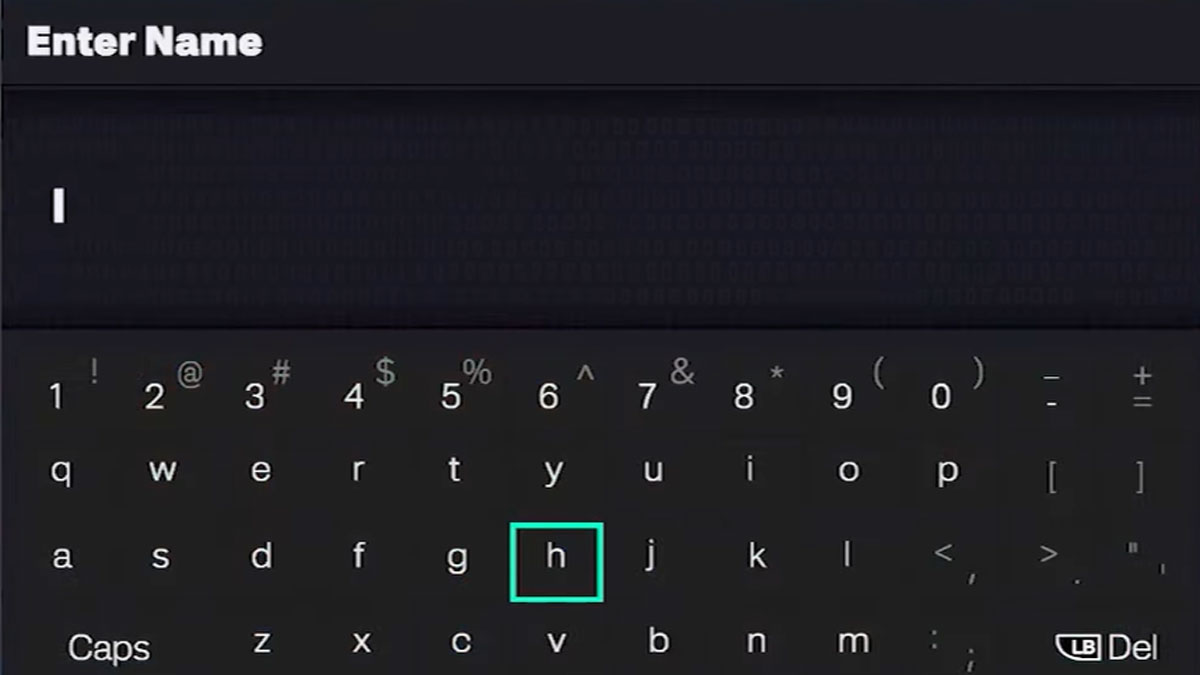
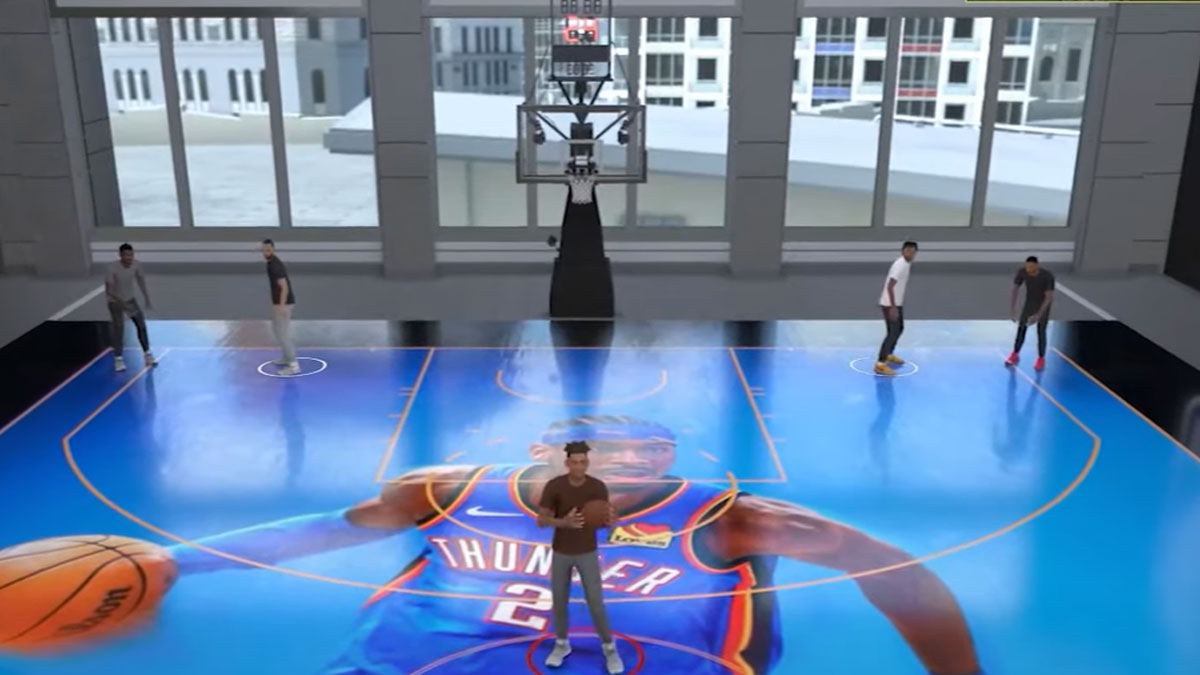
- In your MyCOURT, go to the kiosk with the green glow beneath it and press A (Xbox) or X (PlayStation) to open the Social screen.
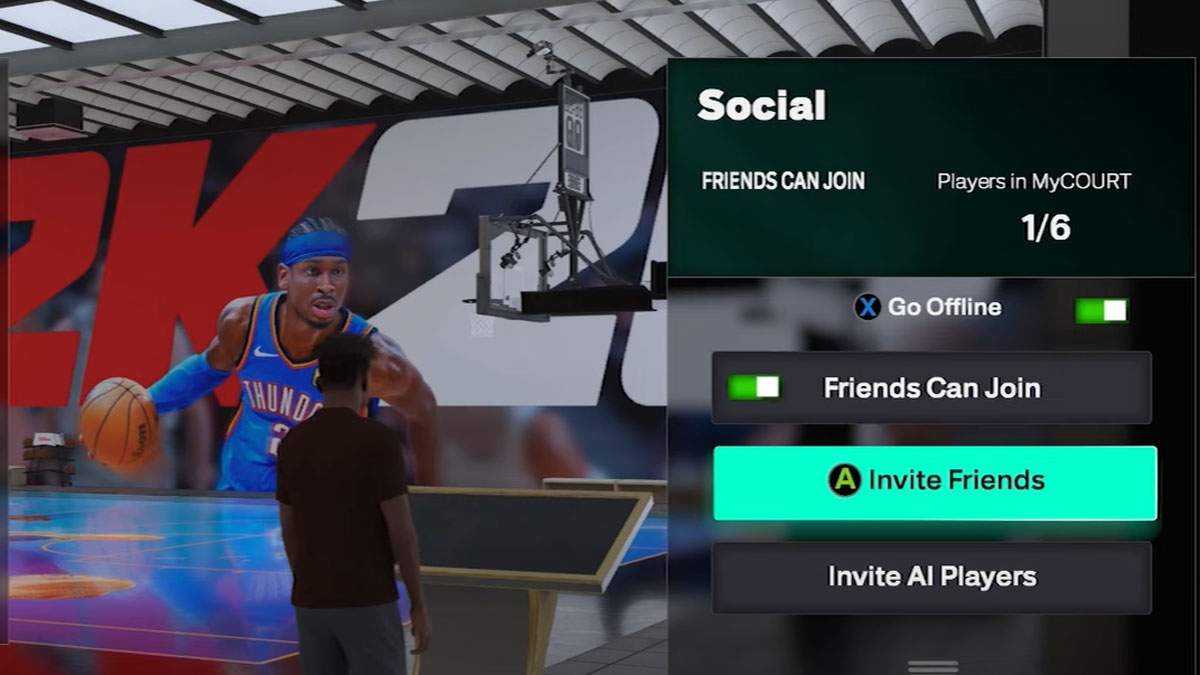
- Toggle on ‘Friends Can Join’.
- Select ‘Invite Friends’ and press A (Xbox) or X (PlayStation).
- From here, you can invite friends by either:
- Clicking on the friend’s name > View Gamertag > Invite Friend
- Searching for a friend and following the same steps
Notes:
- Make sure your ‘In-Game Invites’ are set to open for all in the Social Menu Options.
- You can also invite AI NBA players from the same screen and select players from the NBA rosters.