


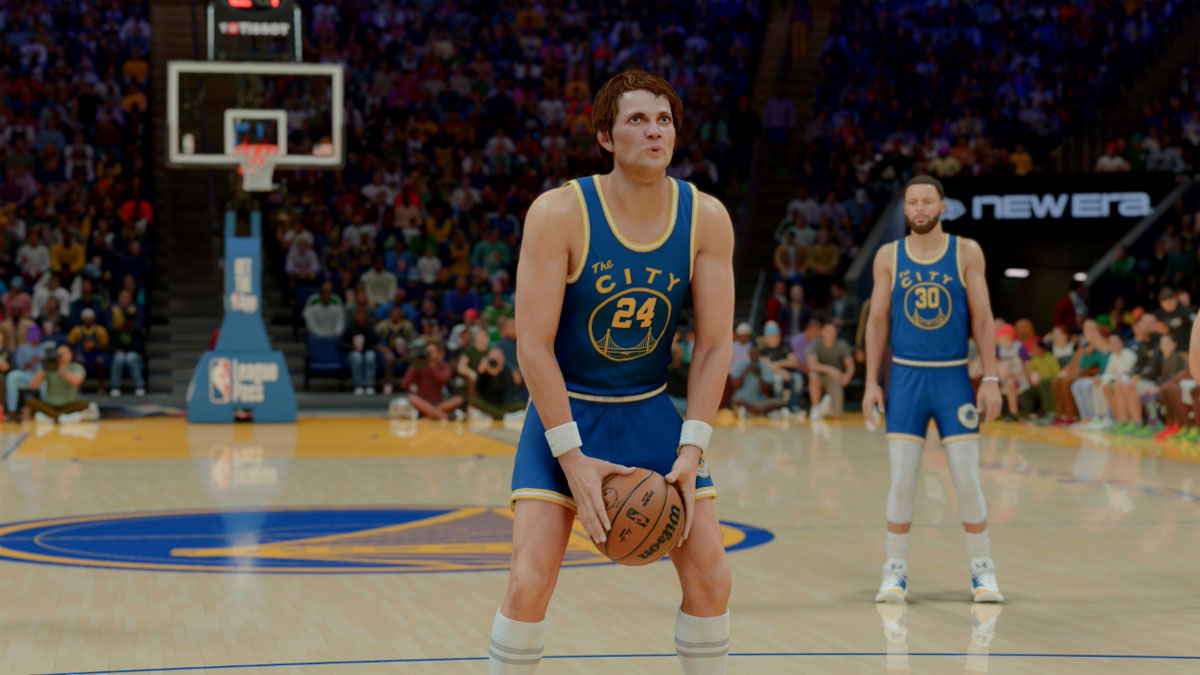
In this NBA 2K26 Free Throw Guide, we break down the best free throw animations, attribute ratings, and tips to help you sink shots consistently at the charity stripe – whether you’re a guard, wing, or big. Mastering free throws can make a huge difference in tight Rec, Pro-Am, or MyCAREER games, so choosing the right one that fits you is key.
Best Free Throw Attribute Rating to Use
Your ideal Free Throw (FT) attribute depends largely on your build and playstyle. For example, a spot-up shooter in Pro-Am might get away with a lower FT rating since they draw fewer fouls, while slashers and inside bigs will benefit from a much higher rating due to frequent contact situations.
As a general rule of thumb:
- 65 FT rating: Around a 50% make rate with decent timing.
- 70–80+ FT rating: Offers a consistent and reliable shot, especially when paired with a animation you mastered
- 85+ FT rating: Nearly automatic if you have good timing and consistency.
If you’re serious about competing online, aiming for at least a mid-70s free throw rating is strongly recommended.
Best Free Throw Animations in NBA 2K26
Finding the right free throw animation can make a huge difference in your success rate. The key is to pick an animation with a smooth, repeatable motion that matches your rhythm and timing preference. You can’t go wrong with these free throw animations below:
Guards and Wings
- Ray Allen
- Carmelo Anthony
- Gilbert Arenas
- Rick Barry
- Devin Booker
- Jalen Brunson
- Kobe Bryant
- Jordan Clarkson
- Jamal Crawford
- Stephen Curry
- DeMar DeRozan
- Kevin Durant
- Tyrese Haliburton
- Richard Hamilton
- Tim Hardaway Jr.
- Jrue Holiday
- Jeff Hornacek
- Michael Jordan
- Zach LaVine
- Khris Middleton
- Jamal Murray
- Derrick Rose
- J.R. Smith
- Klay Thompson
Bigs
- Anthony Davis
- Tacko Fall
- Nikola Jokic
- Brianna Stewart
- Jared Vanderbilt
NBA 2K26: How to Shoot Free Throws
- Hold down the Square button (PlayStation) or the X button (Xbox) to activate the Free Throw shot meter. You can hold down the Right Stick to activate the FT shot meter.
- As the white meter is going, attempt to release the shot button as close to the black line as possible
NBA 2K26 Free Throw Tips
- Look for visual cues while the FT animation is going to consistently release the ball at the same spot
- The best time to release a free throw is when the ball is just about to leave the hand
- Better free throw shooters have larger timing windows than poor shooters