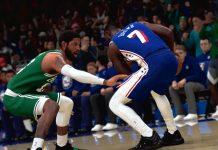

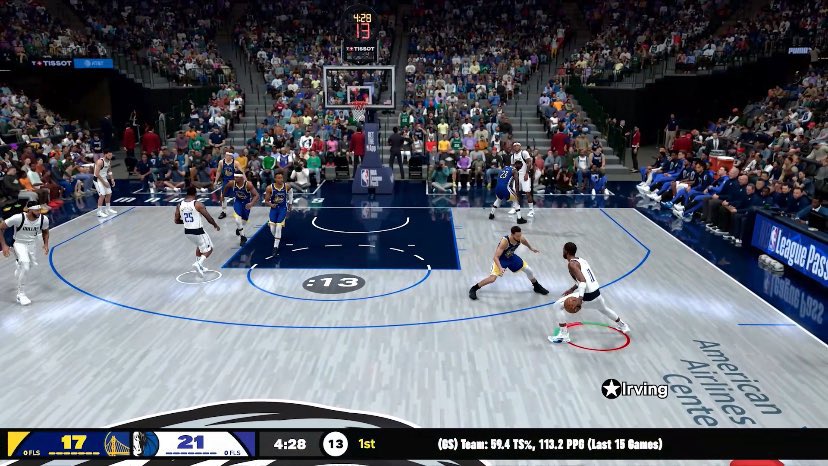
NBA 2K26 introduces major gameplay upgrades powered by ProPLAY technology, focusing on smoother, more authentic basketball experiences across all areas of play.
Here’s a breakdown of the key updates:
NBA 2K26 Gameplay Breakdown
NBA 2K26 Official Gameplay Trailer
Check out the official gameplay trailer for NBA 2K26!
Movement & Animation
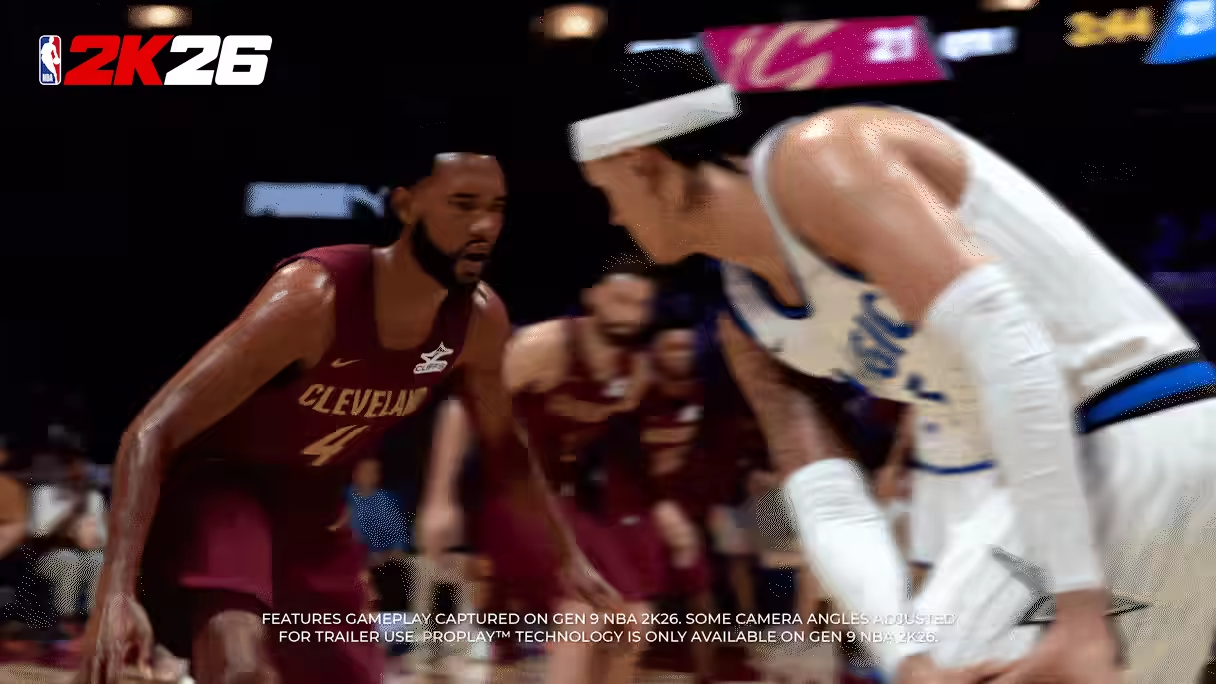
- ProPLAY Motion Engine: Uses real NBA footage to create lifelike player movements.
- Lower-body Pose Matching: Eliminates sliding by replicating realistic foot planting and cuts.
- Faster, smoother gameplay: Enhanced responsiveness and natural flow in all motion.
- Efforts were made to reduce the unrealistic motion/cuts that can result from dexing. Attempting to use dexing to cut back and forth repeatedly will consume adrenaline.
- There was an improvement to address the baseline sensitivity, especially when attempting baseline layups.
- Motion styles are driven by ProPLAY just like dribble styles, so some styles will naturally be quicker and more explosive than others. Ratings gates have been added so you’ll need higher attributes to equip the more effective styles.
Shooting & Finishing
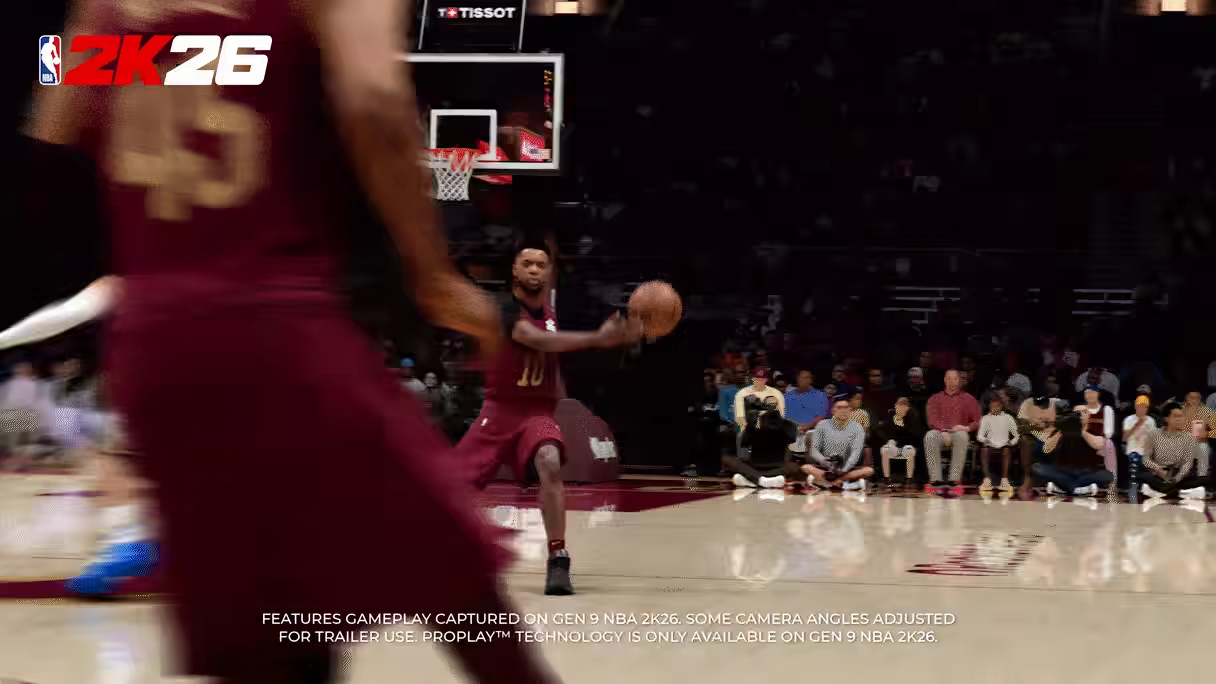
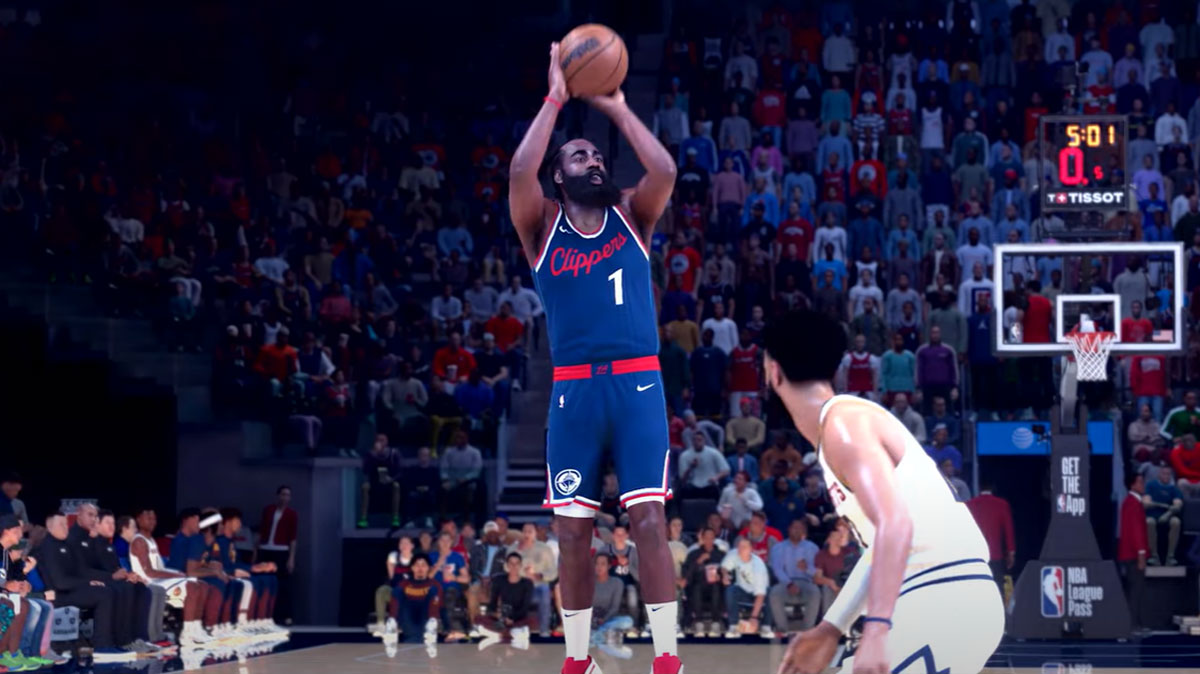
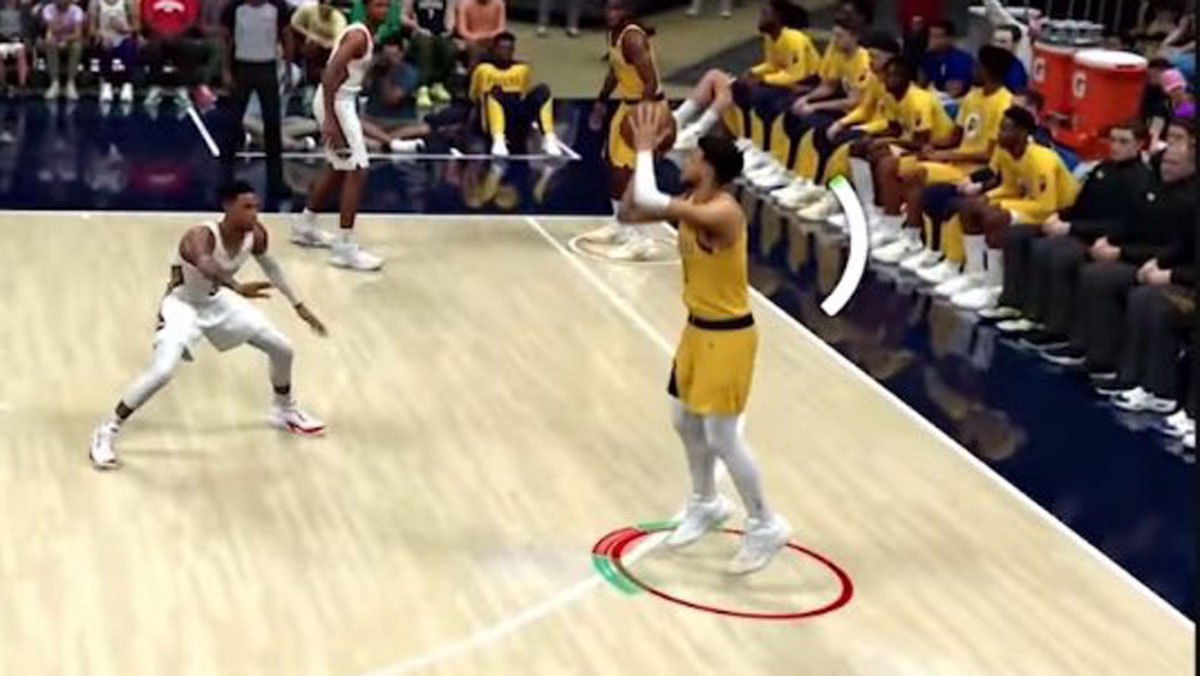
- There will be no RNG in shooting. There has always been some element of RNG in every past version of NBA 2K (including 2K24.) NBA 2K26 will be the first version to feature a completely pure green window. On Pro or lower difficulties, you can still “make whites,” but otherwise it’s Green or Miss.
- Enhanced Rhythm Shooting mechanic will experience more responsive jumpshots that resemble true lifelike shooting motions. Rhythm Shooting is basically all about mastering your shot’s unique tempo. There’s still an ideal timing point for when to push the Pro Stick, but you don’t have to green the timing to make the shot. However, the better you time the release, the more wiggle room you have to match the tempo. The timing of the right stick movement and the speed of the stick throw will also affect how the animation plays out. So if you start the push early or throw the stick fast, you’ll see the shooter rush the animation, if you delay your push you’ll see the player hold the set point and hang a bit before starting the shooting motion, and if you throw the stick too slowly you’ll see a lazier looking follow through. It’s great if you need to intentionally rush your shot to beat a close out or low shot clock, but your green tempo window will be much smaller. It’s really helpful if you have bad internet and unpredictable latency.
- Green or Miss Timing: Only perfect-timed shots go in on higher difficulty levels for competitive balance. The Shot Meters and Dunk Meters both show green windows.
- Layup Timing Enabled: Adds skill depth to contested finishes at the rim. Just like turning the shot meter off for shots, meter off will give you a slightly larger green window for layups too.
- The Dunk Meter green window will adjust dynamically like layups
- A more skill-based environment that blends authenticity with competition for a more rewarding experience.
- Hold the Left Trigger when receiving a pass while standing still to square up, catch the ball high, and seamlessly transition directly into your shooting motion in rhythm to get the shot up quickly. Anyone can perform the Quick Catch and Shoot mechanic. There are no restrictions.
- Signature Go-To Post Shots: New moves like baby hooks, shimmy floaters, up-and-unders.
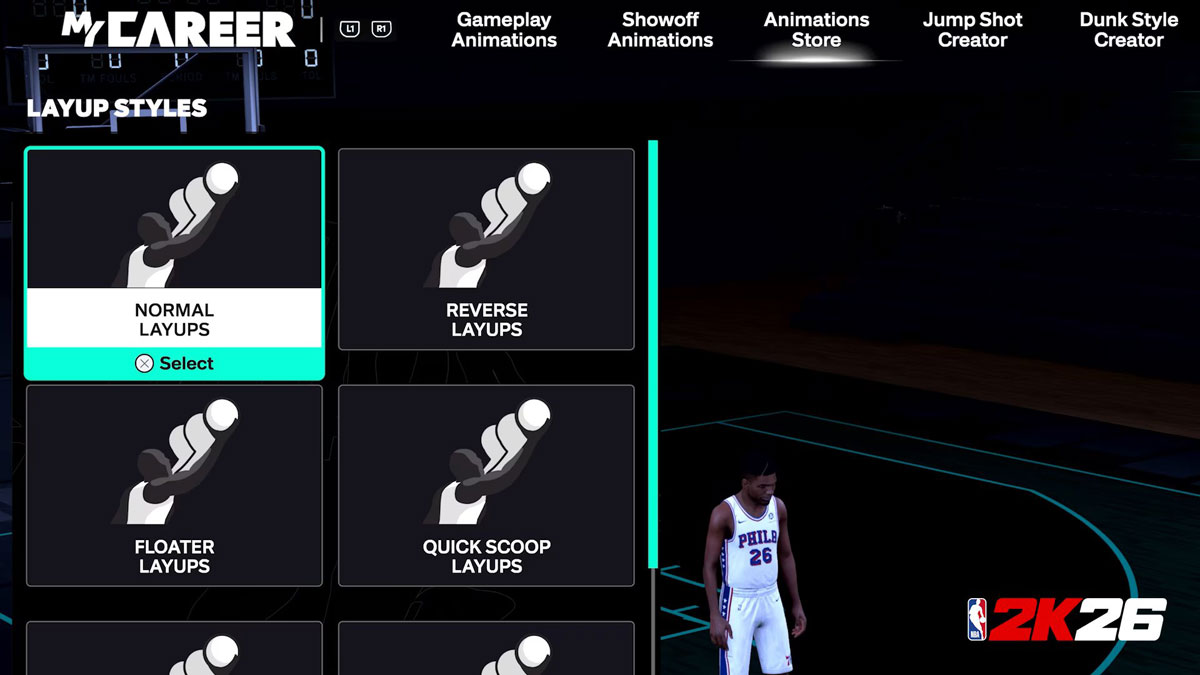
- Custom Layup Packages: Mix and match styles layups with footwork. For example, you can mix NBA stars like Steph Curry’s floater with James Harden’s eurosteps.
- Shot and Layup Timing Risk-Reward settings have been removed. Everyone will play on the same playing field
- High/Low Risk/Reward settings have been removed. Jump shot celebrations and shot feedback dynamic are based on the quality of the shot. It factors in the shooter’s ratings, defensive coverage, and shot timing (or tempo for rhythm shots.) So if you have an Excellent release on a wide open shot with a good shooter, you’ll get an insta-green.
- All of the Shot Meter options from NBA 2K24 and NBA 2K25 are available to choose from this year, including the new default meter you saw in the Courtside Report video. All meters will show the green window except for the dial, arrow, and ring options from last year’s game.
- Turning off the Shot Meter will slightly increase the size of your green window
- Height and rating restrictions are similar to NBA 2K25 for the new custom layup packages. So if you qualified for a specific player’s layup package in NBA 2K25, you’d qualify for all of that player’s individual Normal, Reverse, Quick Scoop, Floater, Euro, Hop step, and Spin packages in 2K26.
- Holding Turbo and the Pro Stick down is how you meter dunk in NBA 2K26. This will also encourage more flashy dunks, but you can also get flashy dunks on the Shot Button if you’re wide open with no trailing threats. The meter dunk logic has changed a lot and you’ll notice a much bigger green window on open dunks both driving and standing.
- The green window for quick catch and shoot shots are the same as regular shots. It’s possible this could change in the future.
- In team control modes, as soon as you initiate the pass you can do a quick Catch and Shoot by immediately holding L2/LT as you receive the catch.
- Reworked the logic for standing dunks to make them more reliable for bigs who aren’t too crowded under the rim. Also retuned standing skill dunks to have (generally) larger green windows to compensate for how fast most of those dunks are.
- Free throws on All-Star difficulty and above are green or miss. Pure green window, no RNG.
Dribbling
- Dribbling has changed a lot in NBA 2K26. Branching and chaining moves will generally feel more responsive and you can interrupt more moves than you could in 2K25. We made an effort to make dribbling faster and the inputs more responsive as well. You’ll find some great new content, as well as the return of some old favorites (e.g. Pippen’s behind the back wrap), so I think dribble heads will be able to create some nice highlights this year.
- Adrenaline will function very close to what you’re used to from NBA 2K25, but there have been some minor tweaks. For example, if you spam too many escape moves in a short amount of time, it will drain a bar.
- You can use Quick Protect at any time, even if no one’s around, and it does not consume adrenaline. 2K made the ball extremely vulnerable to steals when posting up far from the rim to mitigate the L2 cheese.
- NBA 2K26 Will Reward Skill-Based Gameplay: Where you feel more in control and you feel like what you’re doing is more reflective on the screen – will be across all mechanics
- There’s been tuning to the dribbler’s ability to start, stop, and cut. The speed and tightness of changing directions will vary based on ratings and dribble style.
- You can do misdirection behind-the-backs, crosses, tweens and hesitations by starting a standing behind-the-back, cross, tween, or hesitation respectively, and then immediately holding Turbo and throwing the right stick in the opposite direction before the first bounce.
- You can momentum cross by flicking Up on the right stick to start a standing in and out and then immediately sprint w/ turbo toward the off hand.
- You can vary the speed of your dribble and triple threat moves by how slow or fast you move the right stick. Great for changing pace. It’s a feature that’s been in 2K for a while but its effects are more noticeable in NBA 2K26
Post Offense

- Utilize all-new Signature Go-To Post Shots by holding the right stick up while in the post. Lean into a host of new moves, including shimmy floaters, baby hooks, and up-and-unders.
- For the Post Go-To shots that have a dribble, you can cancel like regular Go-To shots. You can always pump fake and chain to step throughs also.
Passing
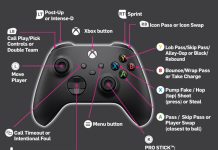
- Flashy passes have been moved to CROSS+CIRCLE (PS5) or A+B (XBX). Self alley-oops are now mapped to SQUARE+TRIANGLE (PS5) or X+Y (XBX).
- Contextual auto lob passes have been added. With this new “Auto Lob to Moving Passes” controller setting enabled, pressing the Normal pass button (CROSS or A) or icon passing will throw lob passes to moving receivers in situations where a normal chest pass would be more prone to getting intercepted. Advanced playmakers who only want to throw lobs by pressing TRIANGLE or Y will want to set this option to Disabled in the Controller Settings menu.
Defense
- Improved Collisions: More natural contact and physicality with system-driven body-ups.
- Redesigned Interior Defense: Tougher rim protection and aerial bumping.
- Ball handlers will be “stunned” for a moment when they get the ball poked away from them and bigs will play a slight stumble if they’re heavily contested/blocked under the rim to give the defense an edge in recovering the 50/50 ball
- There have been a number of changes to the contest system logic. We’ve re-balanced the effectiveness of hands up, no-jump contests, and jumping contests to better reflect how shots are impacted in real life. We’re also showing coverage percentages in full Shot Feedback again.
- You can pull the chair in the post by tapping CIRCLE/B when the offensive player makes contact with you.
- On-ball steal targeting and steal animations have been improved to reward defenders who position themselves well and anticipate the dribbler’s moves. The canned “animation pluck steals” have been almost entirely disabled. Pass interceptions have been tuned a bit but are similar in effectiveness to last year’s game.
Rebounding
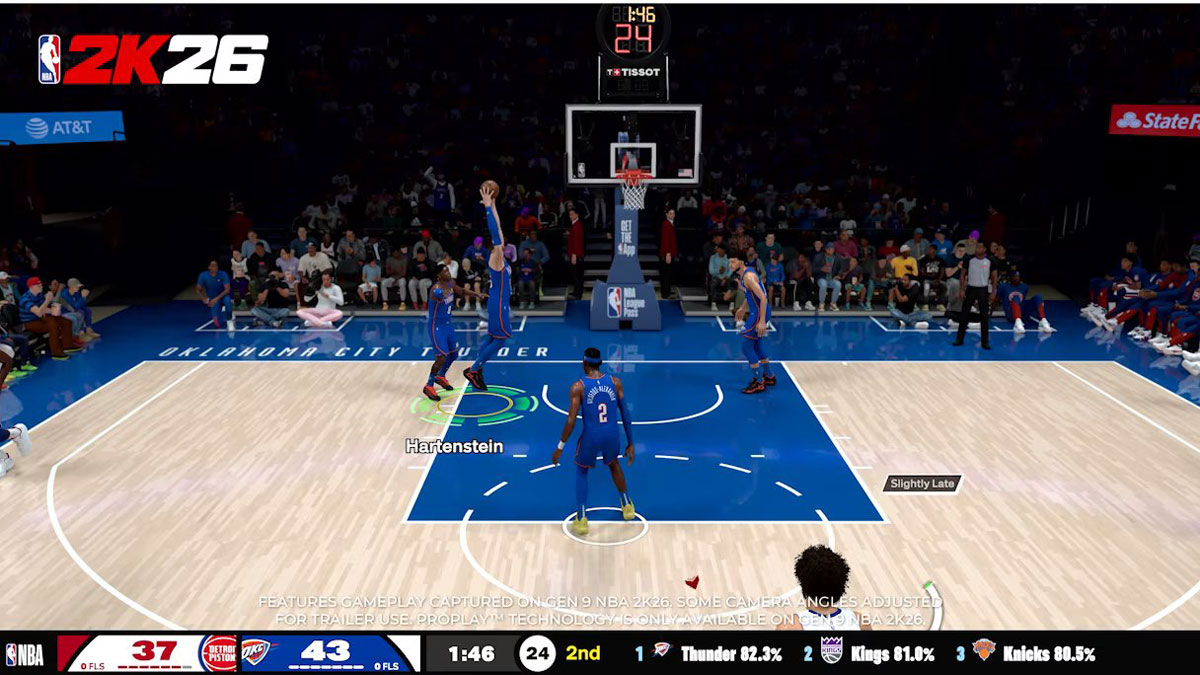
- Rebound Timing Feedback: a green meter will flash beneath your player’s feet to indicate a well-timed rebound attempt.
- The ideal time to jump for a rebound is just before the ball makes its final bounce off the rim, and higher rebounding attribute ratings will make it easier to nail your timing. Excellent timing can significantly boost your chances of securing the board.
- You can still grab a rebound if you don’t green the timing. And if a little player is trying to out rebound a big, excellent timing will often not be enough to secure the board. If the big makes zero effort and just stands there, the little guy will have a better chance with perfect timing though. If 2 players green the rebound timing, the outcome is decided by positioning, ratings, and height. The core mechanics around how rebounding works isn’t changing in 2K26. Timing your jump has always been an important aspect of rebounding, the indicator was added just to help players understand how rebounding works.
Controls
- Quick Protect: Shield the ball to prevent steals and trap defenders
- No-Dip Catch-and-Shoots: Faster shooting motion using Left Trigger for catch and shoot. Works for stand-still catch and shoot, not moving catch and shoot shots.
- Revamped Signature Size-Ups: More intuitive stick combos for realistic dribbling
- Signature Go-To Post Shots by holding the right stick up while in the post.
- Slow-Motion Euro-Steps & Wrap Passes: hold the Left Trigger at any point to deliberately decelerate mid-move to throw defenders off and create space with a slow-motion drag step finish. After initiating a euro-step, you can Slither through the lane and control the pace to send defenders careening past you.
- Wrap passes: Double tap CIRCLE/B. This expands the toolkit for playmakers to determine when you want to do a wrap pass and ensures you aren’t throwing the ball straight into the back of a defender.
- Alley-Oops: Catching an alley-oop now requires more skill. Once the pass is thrown, the finish button for the receiver will be randomized on higher difficulties to one of the four face buttons on your controller, instead of always being SQUARE/X.
- Setting Screens: Screeners can now control which way you want to face. Tapping the left stick slightly left or right from the direction you are currently screening will turn your player 45 degrees, and tapping the left stick in the opposite direction will turn your player 180 degrees. This will help high IQ bigs who can help get your ball handlers open to stand out.
AI & Coaching
- Smarter Offensive AI: New drive-and-kick logic for dynamic scoring outside of set plays.
- Advanced Help Defense: AI adjusts to ball location for better paint protection and close-outs.
- MyPLAYER Freelance Engine: Off-ball Quick Plays and smarter spacing support your player’s movement.
- Improved Double Teams & Screen Navigation: AI reacts better to threats and reads the court more effectively.
- Expanded Playbooks: Up to 80 plays per team for realistic team strategies.
- AI Difficulty Tuning: New sliders for shot timing ability and other skill variables.
Learn 2K
- Intermediate Tutorial: Learn layup types, pick-and-roll execution, and more to level up your 2K skills.